 TritonPanels
New in 2.0 · Comic & manga reader for iPhone, iPad and Android
Every comic you own,
beautifully read.
TritonPanels reads the comics and manga you already have — on your phone, in Google Drive, Dropbox, OneDrive or iCloud Drive, on a USB drive or a NAS, or on your own Komga, Kavita or OPDS server. CBZ, CBR, CB7, PDF and EPUB. Full page, two-page spreads, continuous scroll or one panel at a time. No ads, no account.
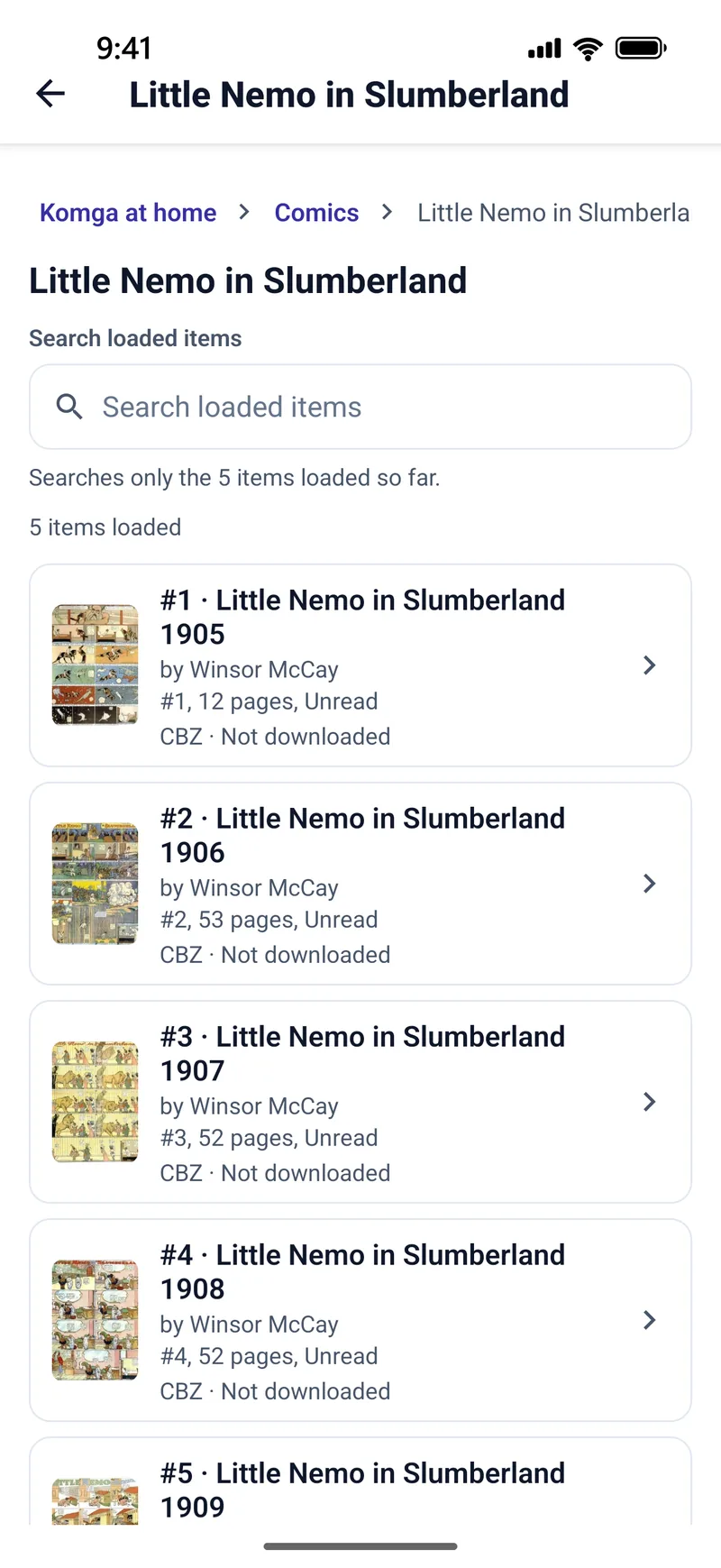
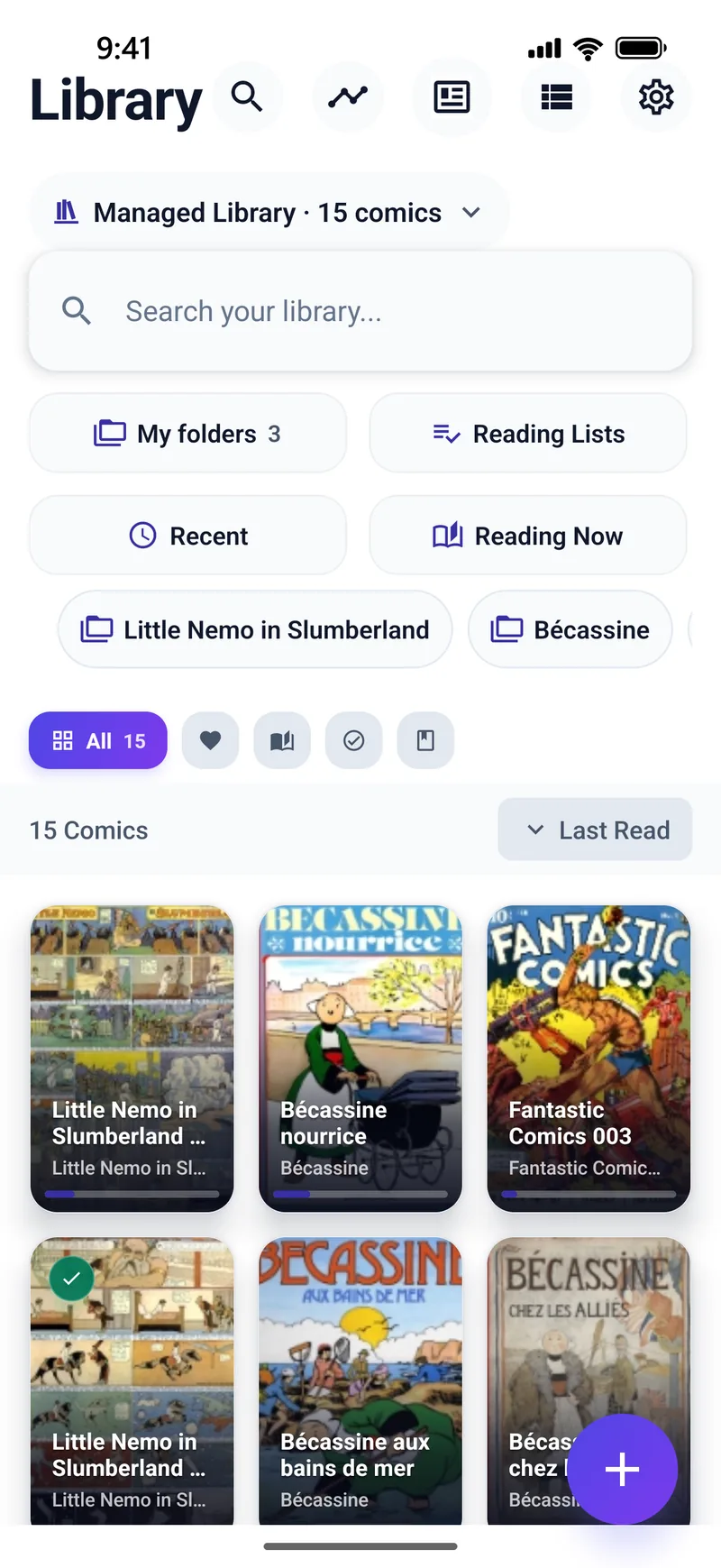
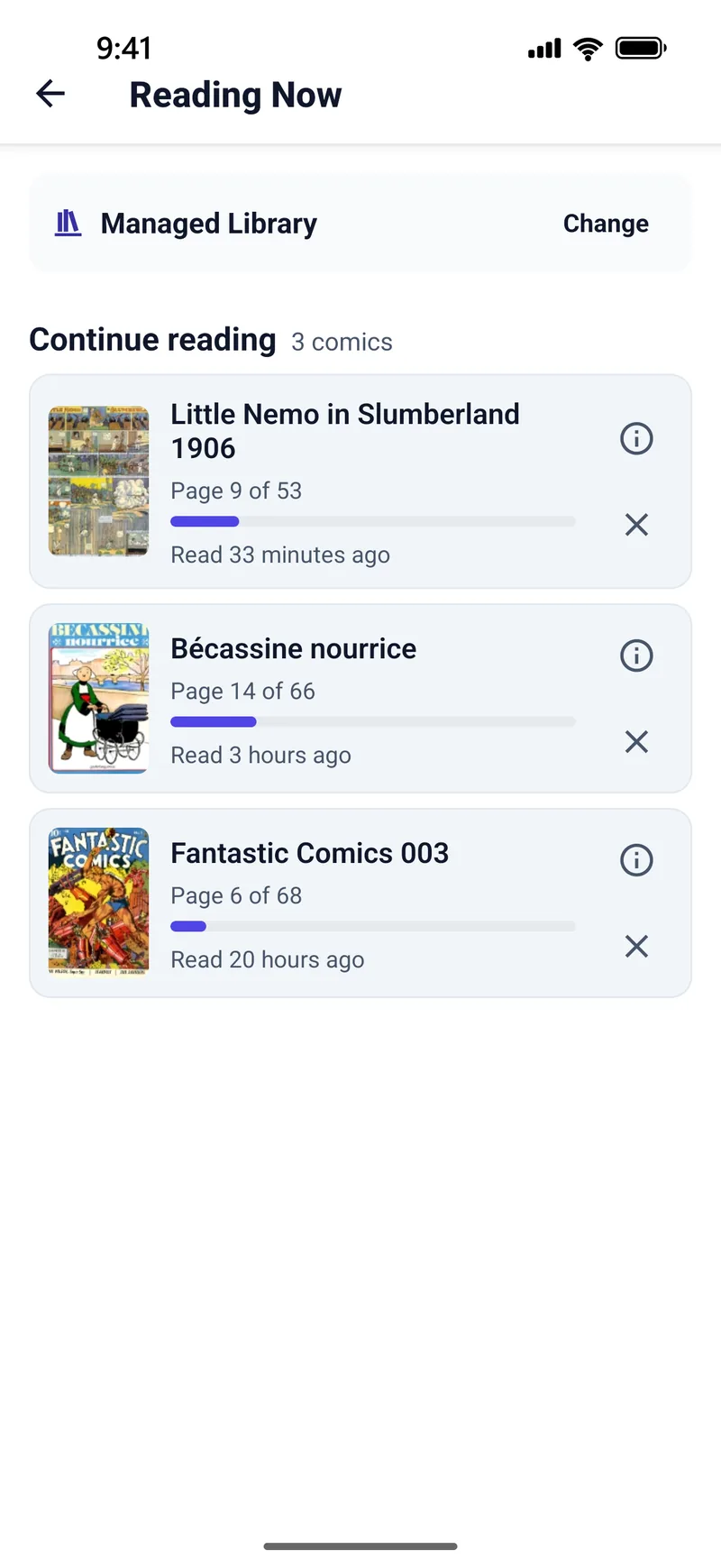
Your whole collection, wherever it lives
You shouldn’t have to copy a whole collection onto your phone first. TritonPanels goes to where your comics already are, and reads them in place.
Komga & Kavita
Browse, search and read your own comic server, with reading progress kept in step on the server both ways.
Calibre & OPDS
Open any OPDS catalog, including Calibre’s content server, with search, sorting and filters.
NAS & network shares
Read a shared folder on a NAS or computer over SMB 2 or 3, refreshed when files change.
Your cloud
Import from Google Drive, Dropbox and OneDrive, or keep a Dropbox or iCloud Drive folder as a live library.
Folders, USB & SD
Point TritonPanels at a folder on your device, an SD card or a USB drive and read it where it is.
Transfer over Wi-Fi
Send comics from any computer’s browser straight to your phone on your own network. Nothing passes through us.
And Substack: follow a publication’s free comic posts as a library. Where to find free, legal comics. Server pages: Komga, Kavita and OPDS.
A reader that reads the way you do
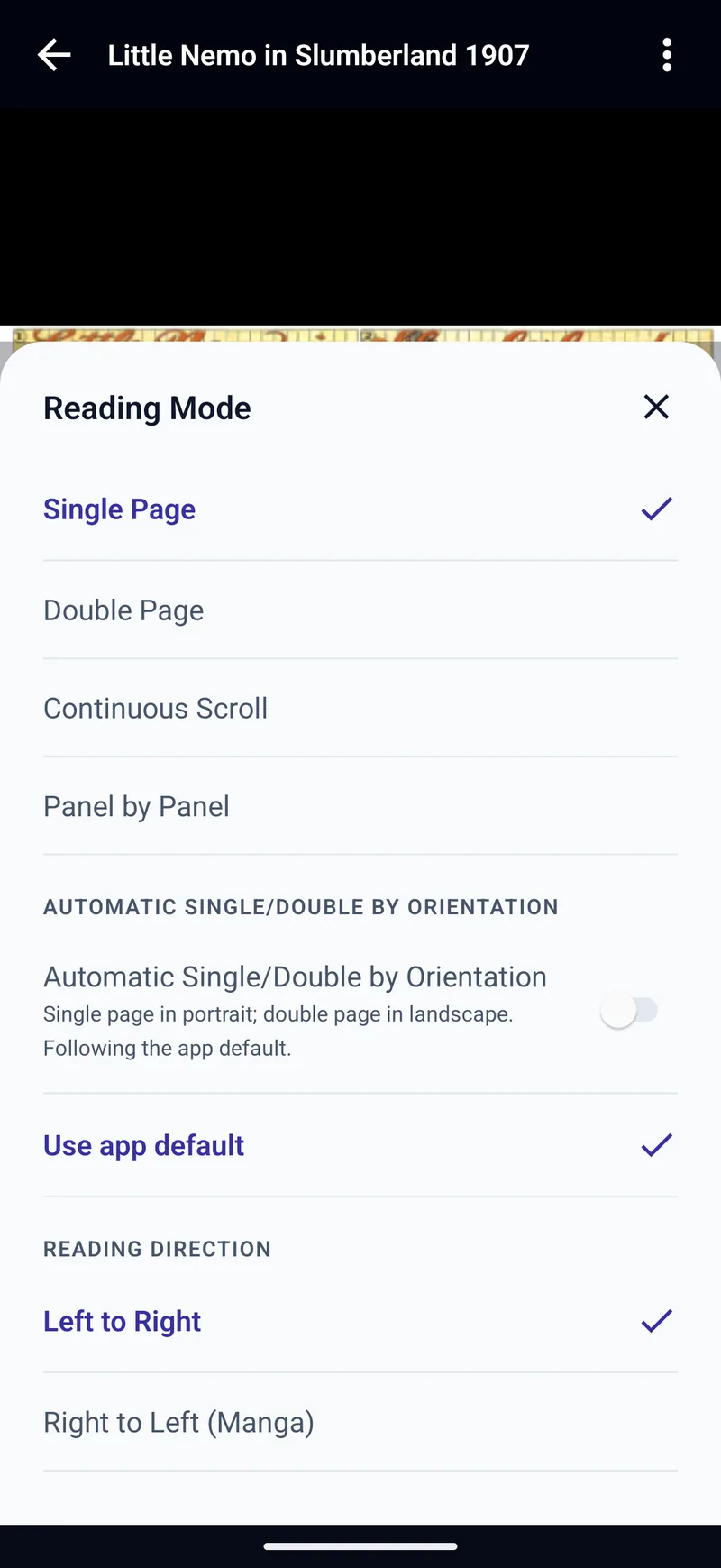
- Four ways to read: single page, two-page spreads, continuous scroll and Panel by Panel, with panels found on your device.
- Manga, the right way round: right-to-left pages and panels, and a Manga preset. How to read manga.
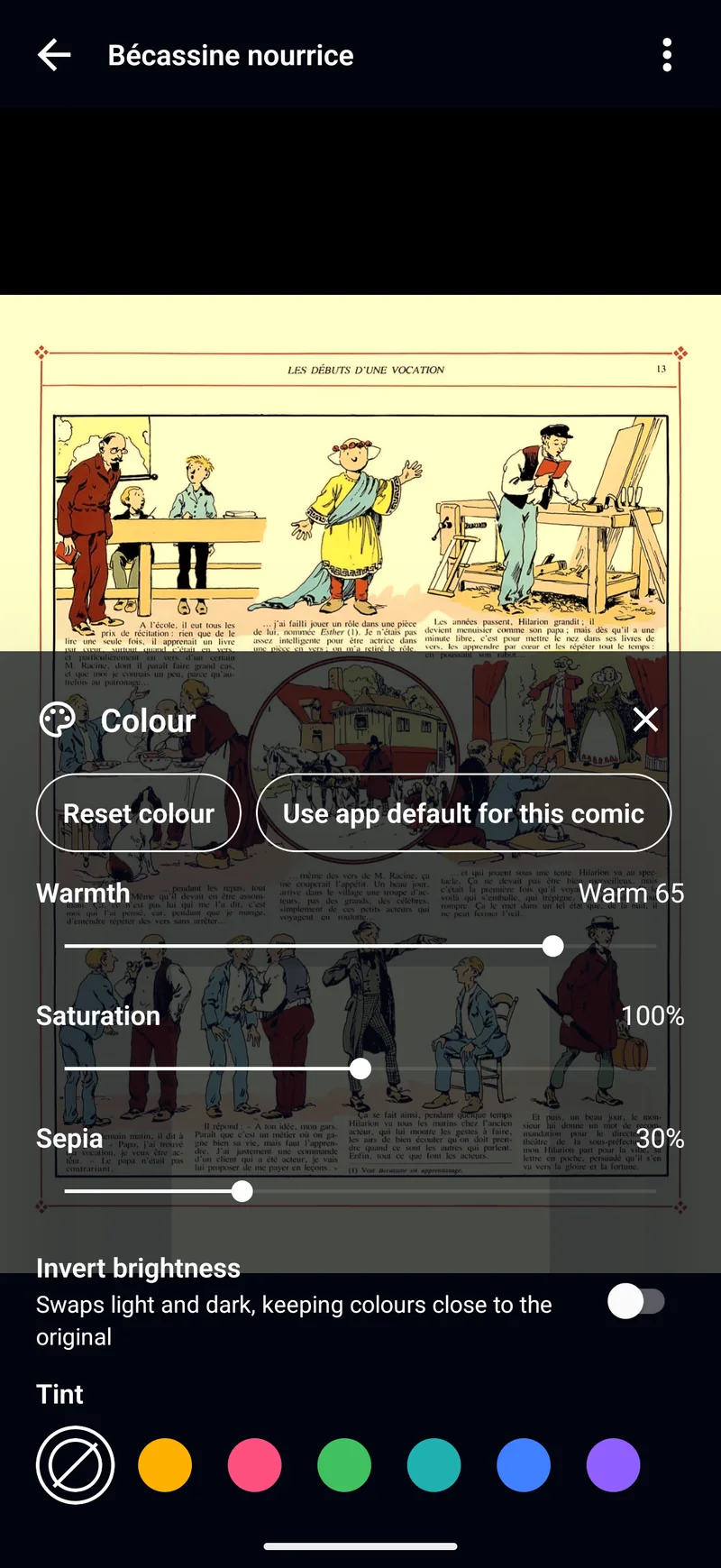
- Colour tuned to every page: warmth, saturation, sepia, invert and tint, plus filters that clean up rough scans.
- Six page-fit modes, Zoom Lock, page-matched or immersive backgrounds, and Continue to next comic.
- Your controls: reader presets, custom tap zones, and page turns from a keyboard, game controller or remote.
Text on the page
Select the text in a speech bubble to copy, share or translate it. Translate pages (Experimental) shows a translation over the bubbles as you read. It runs on your device.
A library worth keeping
Folders inside folders with colours, symbols and covers. Reading lists, tags and favourites. Search every library at once, and pick up from Reading Now.
Offline when you need it
Keep a comic, a folder or a whole library offline. One Downloads screen, Wi-Fi-only downloads, and a clear view of the space each library uses.
Private by design
Incognito reading saves no progress or history. A passcode lock for chosen comics and folders, and a privacy screen in the app switcher.
Goals and stats
Reading goals by pages, minutes or comics, streaks, and a history of every reading session.
Make it yours
Light, Paper, Dark, Black and high-contrast themes with three accent colours, in 20 interface languages.
See it in action
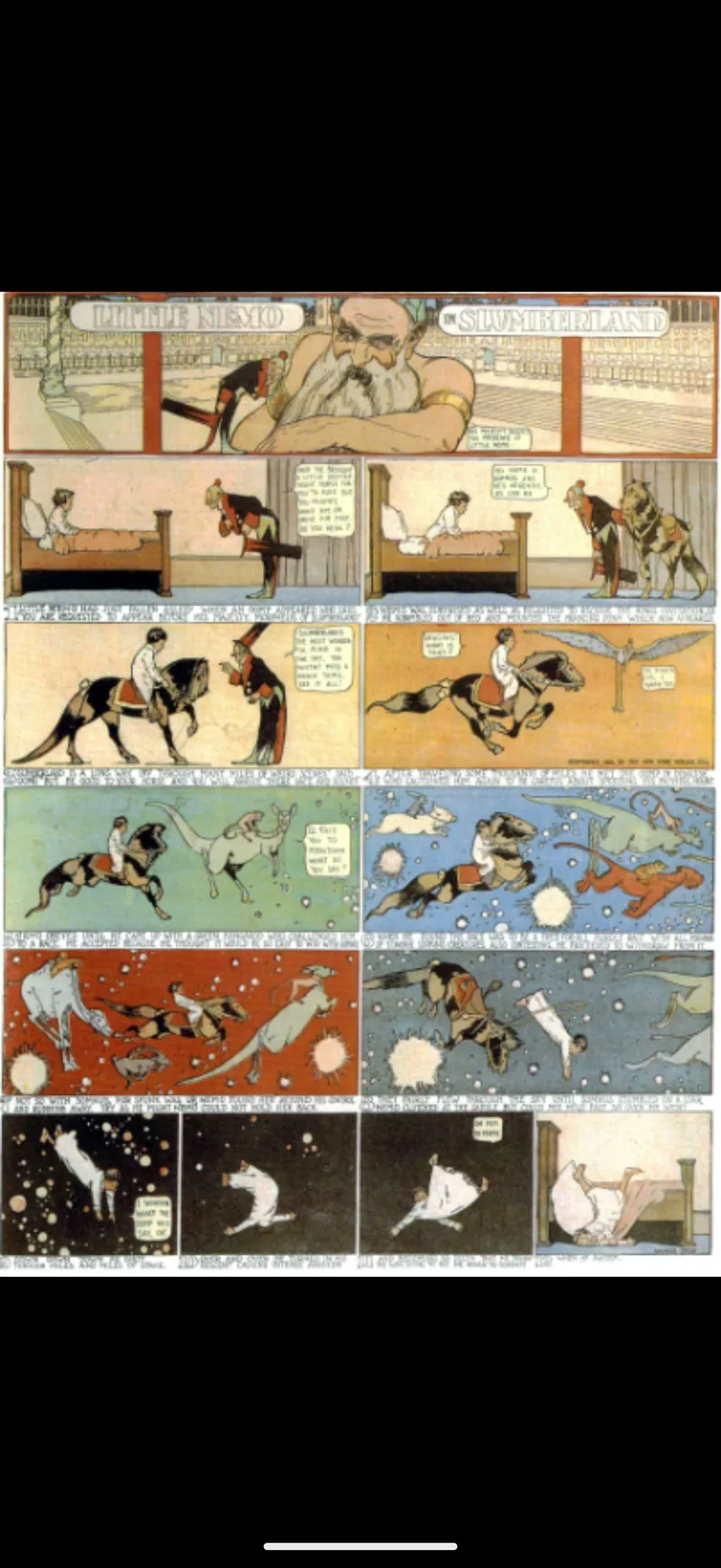
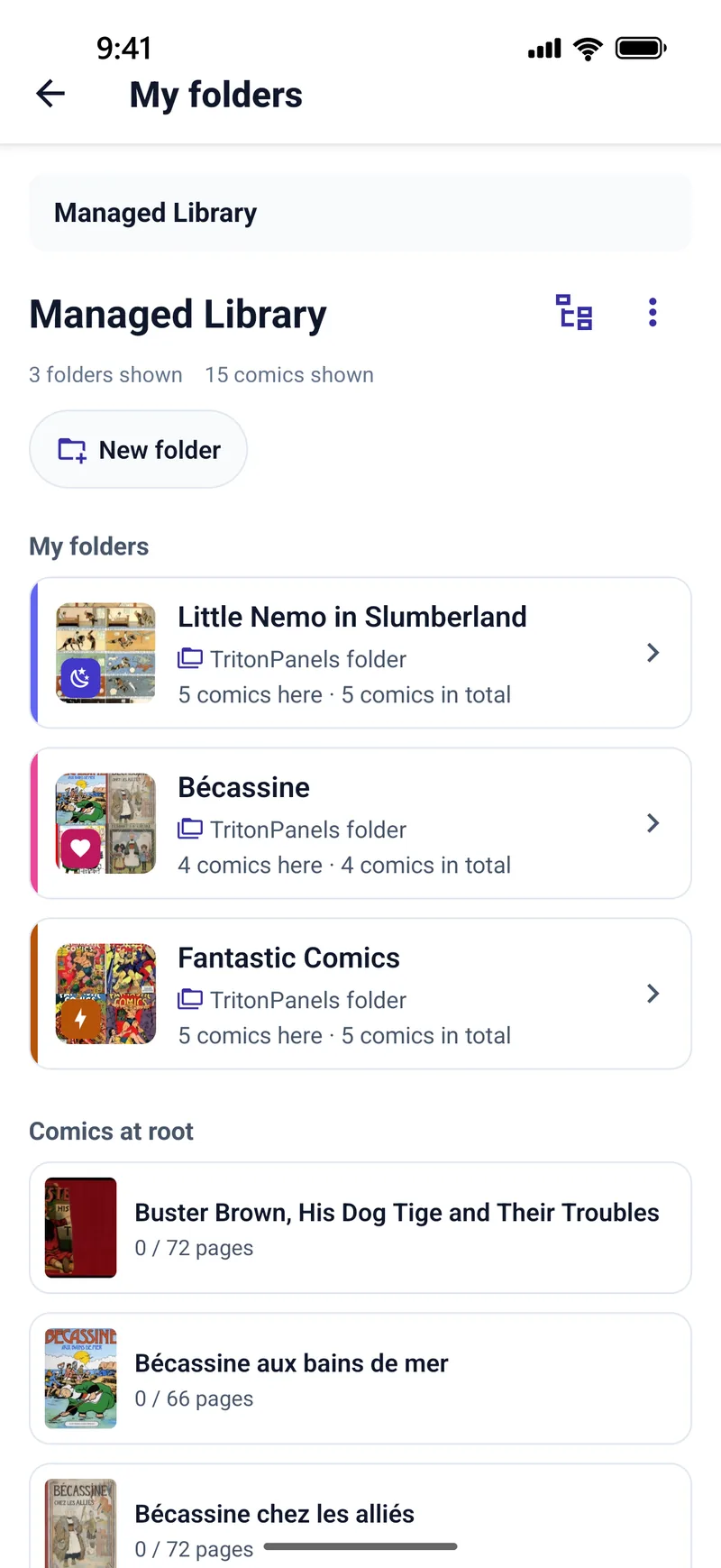
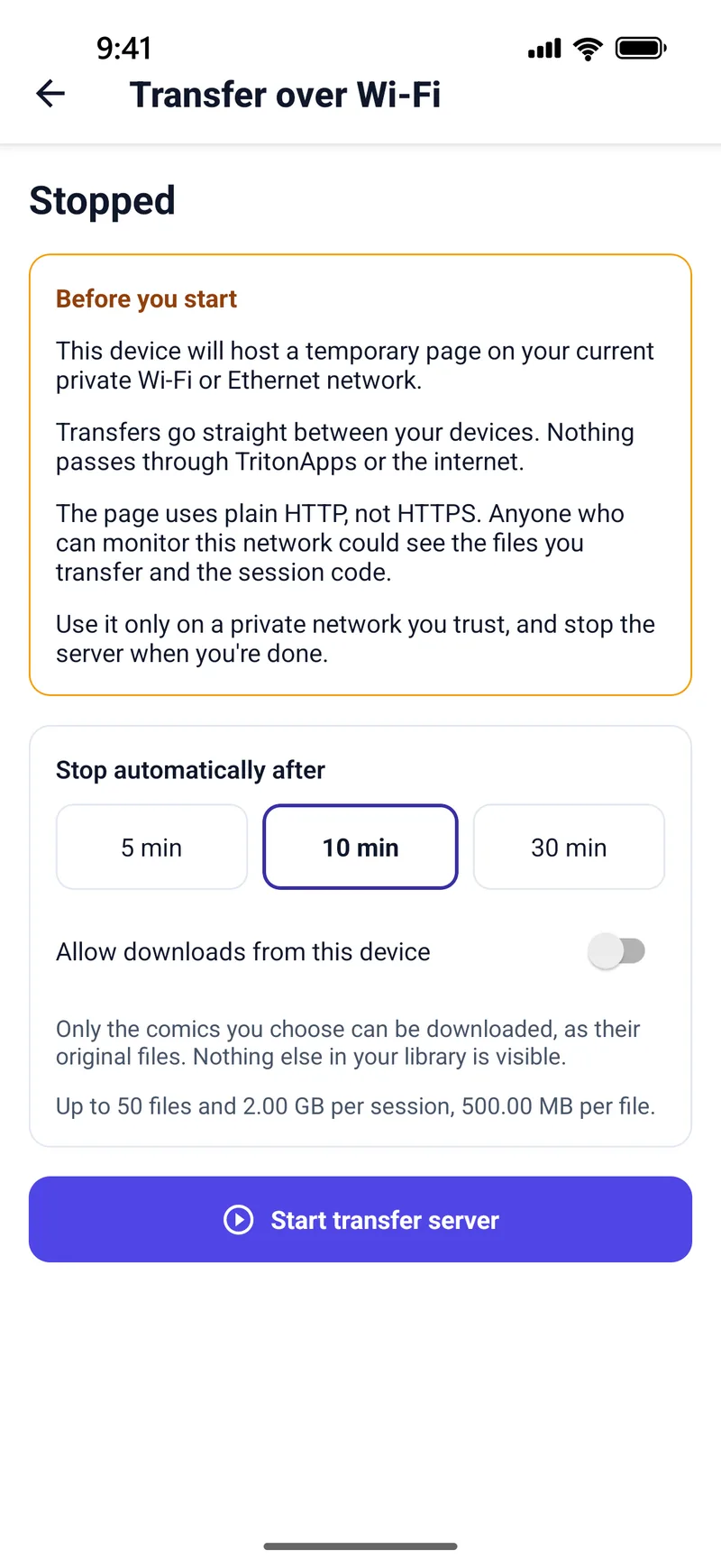
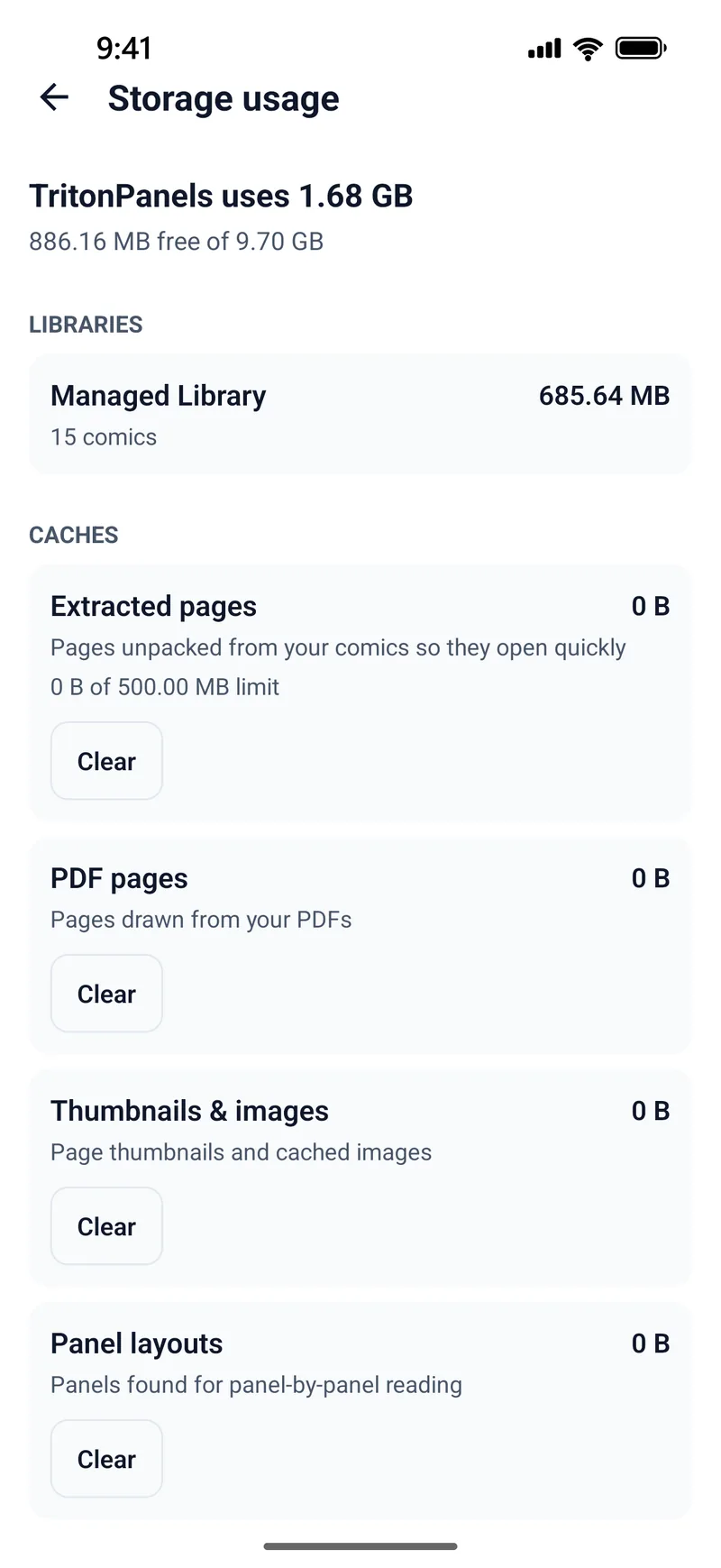
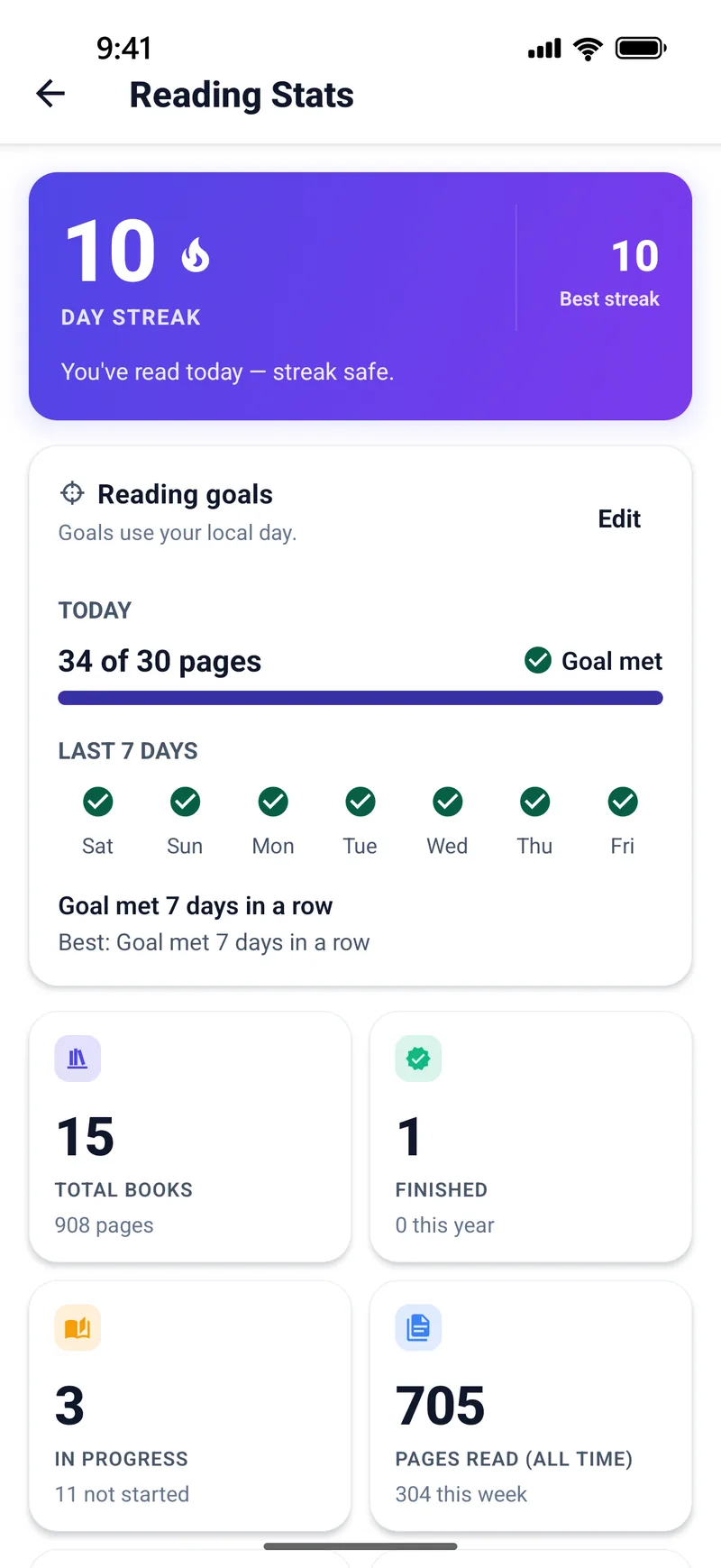
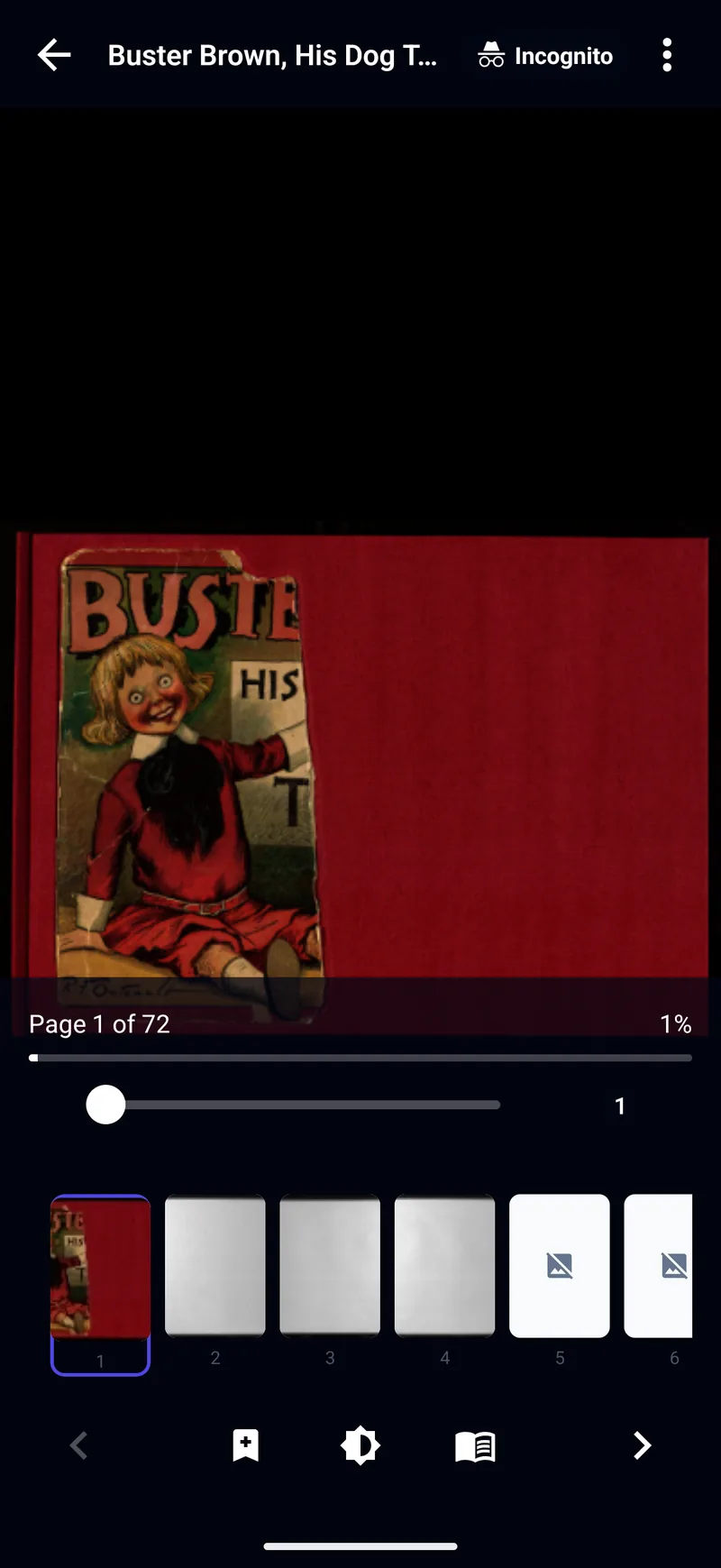
Every comic shown is in the public domain: Little Nemo in Slumberland (Winsor McCay), Bécassine (Caumery and Pinchon), Buster Brown (R. F. Outcault) and Fantastic Comics.
Formats
| Format | What it is | Supported |
|---|---|---|
| CBZ | ZIP archive of page images | Yes |
| CBR | RAR archive of page images | RAR4 yes; RAR5 no (convert it) |
| CB7 | 7-Zip archive | Yes |
| CBT, .tgz, .tbz, .txz | TAR archive, plain or compressed | Yes |
| One comic page per PDF page | Yes, Panel by Panel included | |
| EPUB | E-book container | Image-based, DRM-free EPUB; not text-only EPUB |
| Page images | Inside any of the above | JPEG, PNG, GIF, WebP, BMP, TIFF, AVIF, HEIC and JPEG XL (HEIC needs Android 9; JPEG XL is iPhone and iPad only) |
ComicInfo.xml metadata is read for series, issue, creators and publisher. How to open CBZ and CBR files.
Guides
Getting your comics onto a phone or tablet, and reading them well once they’re there. Still deciding? How to choose a comic reader app.
Open CBZ and CBR files
What comic archive formats are, how to read them on a phone or tablet, and the RAR5 catch.
Read Komga on your phone
Connect your Komga server and read it anywhere, with progress synced both ways.
Read comics from a NAS
Read a network share on a NAS or computer in place, over SMB.
Read manga on your phone
Right-to-left pages, spreads and panels, and translating the text.
Convert CBR to CBZ
Fix a comic that will not open, on Windows, macOS or the command line.
Free, legal comics
Public-domain and Creative Commons comics, and where to buy DRM-free.
Choose a comic reader app
Formats, sources, reading modes, offline and privacy: a checklist before you commit.
Questions
Is TritonPanels free?
No. TritonPanels needs an active subscription and there is no free version. Every new subscriber gets a 14-day free trial, then pays monthly or yearly. The App Store or Google Play shows the price in your currency before you subscribe.
Which comic formats does TritonPanels open?
CBZ, CBR (RAR4), CB7, CBT and compressed TAR, PDF, and image-based DRM-free EPUB. RAR5 archives, CBA files, text-only EPUB and copy-protected purchases cannot be opened.
Does it work with Komga, Kavita and Calibre?
Yes. Komga and Kavita libraries can be browsed, searched and read, with reading progress kept in step on the server in both directions. Calibre and other OPDS catalogs can be browsed and read too; for those, progress stays on your device.
Can I read comics from my NAS or a shared folder?
Yes. Add a network share over SMB 2 or 3 and TritonPanels reads it in place, refreshing when files change. On iPhone and iPad, shares that require SMB encryption are not supported.
Can it read manga right to left?
Yes. Choose Right to Left (Manga) as the reading direction, or the Manga reader preset. Pages, two-page spreads and Panel by Panel all follow it.
Does my reading progress sync between devices?
Only through a Komga or Kavita server, which keeps progress in step for every device that reads from it. Otherwise your progress stays on the device you read on; there is no TritonPanels account or cloud sync.
Does TritonPanels sell or supply comics?
No. It reads comics you already have: files on your devices, in your cloud storage, on a network share or on your own comic server. It has no store and no ads.
Which devices does it run on?
iPhone and iPad with iOS or iPadOS 17 or later, and Android phones and tablets with Android 7.0 or later. Translate pages needs iOS 18 or later on iPhone and iPad.
Start with a 14-day free trial
Then a monthly or yearly subscription · cancel any time
TritonPanels is subscription-only: there is no free version. The App Store or Google Play shows the price in your currency before you subscribe, and that price is the one that applies.