 TritonPanels
Version 2.0 · iPhone, iPad and Android
Built for people who
actually read comics.
TritonPanels 2.0 is the biggest update since launch: comic servers, live libraries, a download manager, text on the page, right-to-left manga, new formats, privacy controls and a reader you can tune page by page. Here is everything inside.
New in 2.0
Your comic server, in your pocket
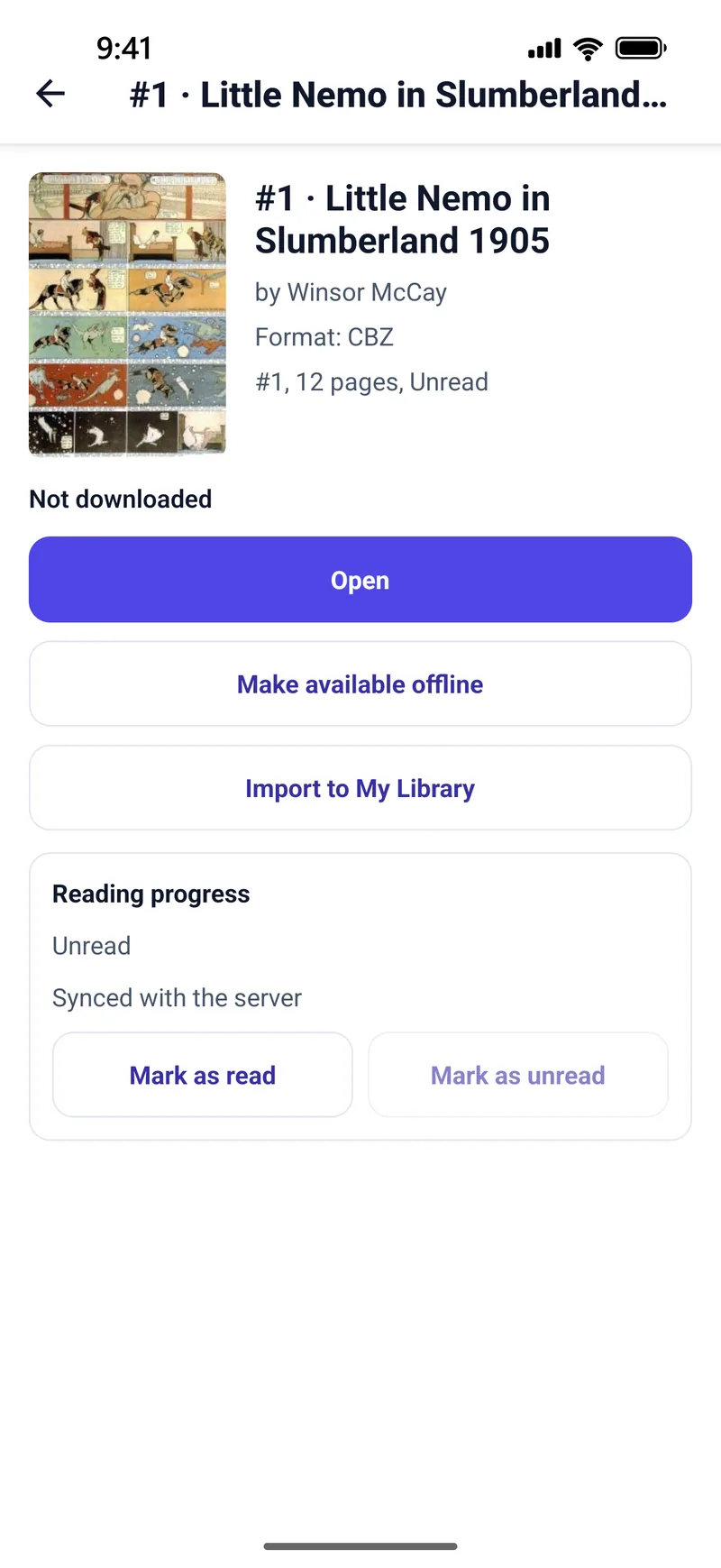
Run a comic server at home? Connect it and read it from anywhere your phone can reach it.
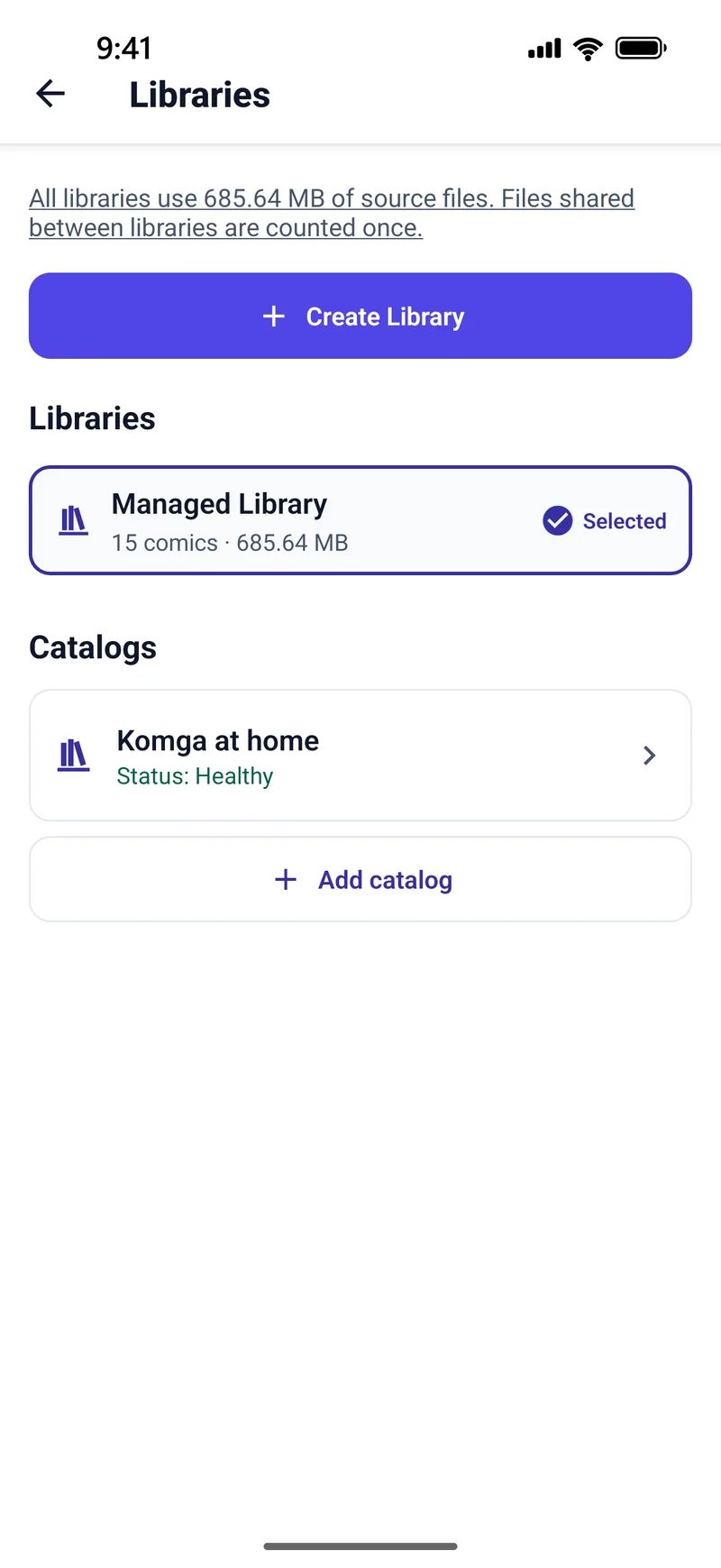
- Komga and Kavita. Browse, search and read your libraries, with reading progress kept in step on the server in both directions. Komga guide · Kavita guide
- Calibre and any OPDS catalog. OPDS 1 and 2, with search, sorting and filters, and Basic, Digest or OAuth sign-in. OPDS is read-only, so progress stays on your device. OPDS guide
- Direct and private. The app talks straight to your server. Passwords are kept in the iOS Keychain or Android’s encrypted storage and sent only to your server.
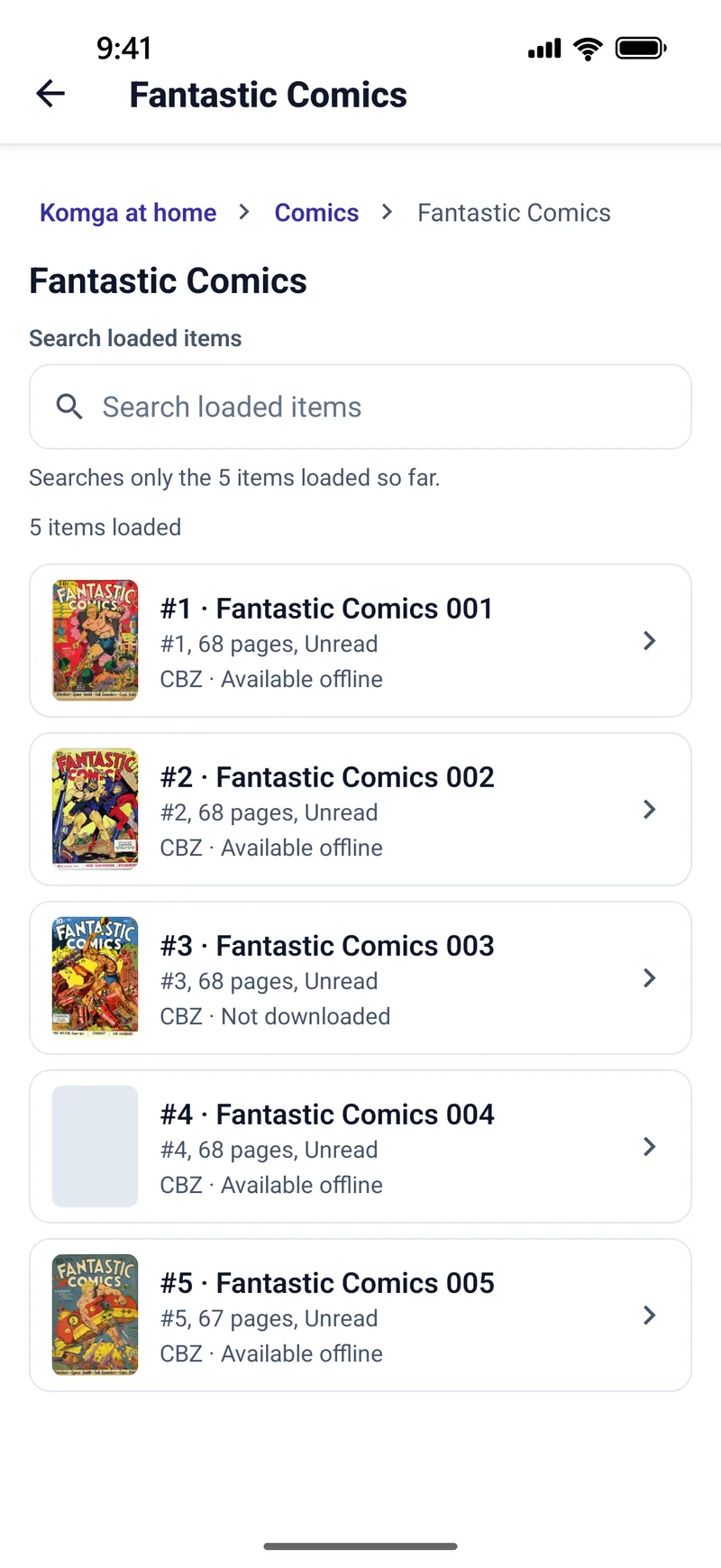
- Download for later. Keep a server comic, series or library offline before you leave home.
New in 2.0
Live libraries, read in place
A live library is a folder TritonPanels reads where it is, and refreshes when the files change. Nothing has to be copied first.
- Network shares (SMB 2 or 3) on a NAS, a Windows PC or a Mac. On iPhone and iPad, shares that require SMB encryption are not supported. NAS guide
- A Dropbox folder (on iPhone and iPad the Dropbox app must be installed) or an iCloud Drive folder on iPhone and iPad.
- A folder on your device, an SD card or a USB drive. Folder and USB guide
- A Substack publication. Its free posts with comic images appear as comics. No Substack sign-in.
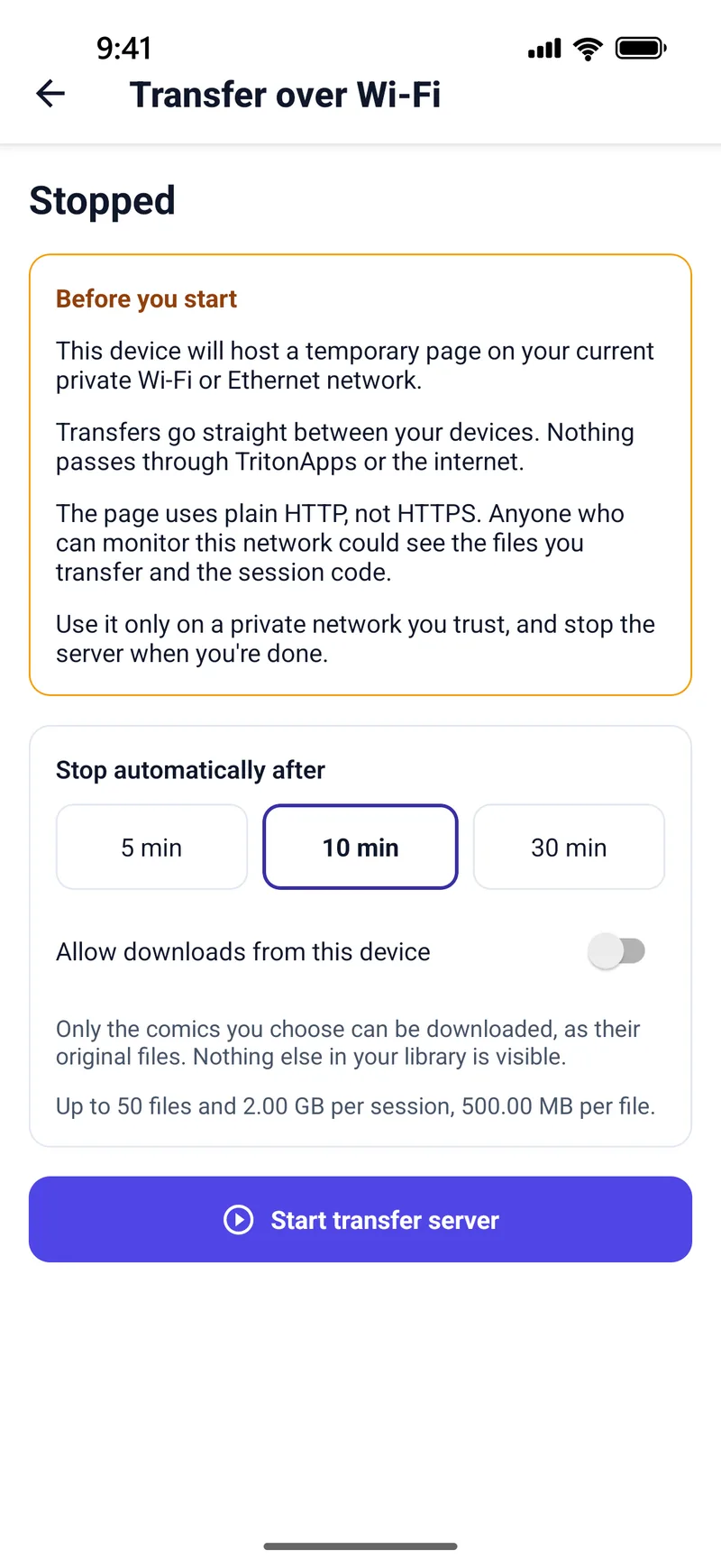
- Transfer over Wi-Fi. Open the address the app shows in a browser on your computer, enter the session code and upload. It runs on your own network and stops itself after 5, 10 or 30 minutes. Wi-Fi transfer guide
- Plus import from your device, Google Drive, Dropbox and OneDrive, and “Open in TritonPanels” from other apps. Cloud guide
New in 2.0
Downloads you can see and control
- One Downloads screen with pause, resume, a Wi-Fi-only option and a space check before anything starts.
- Keep offline for a single comic, a whole folder or an entire library.
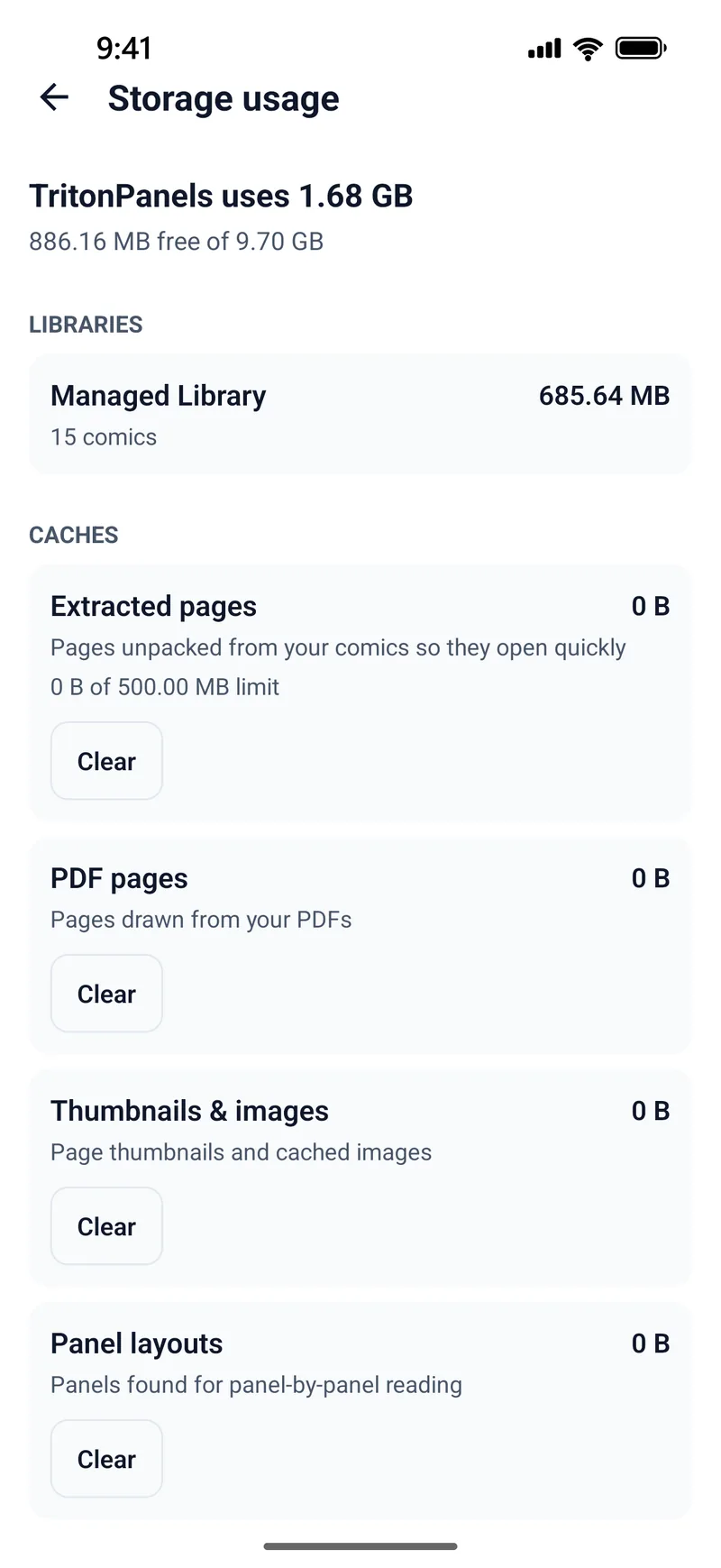
- Storage usage shows the space every library takes, and lets you clear extracted pages, PDF pages, thumbnails and panel layouts separately.
A library worth keeping
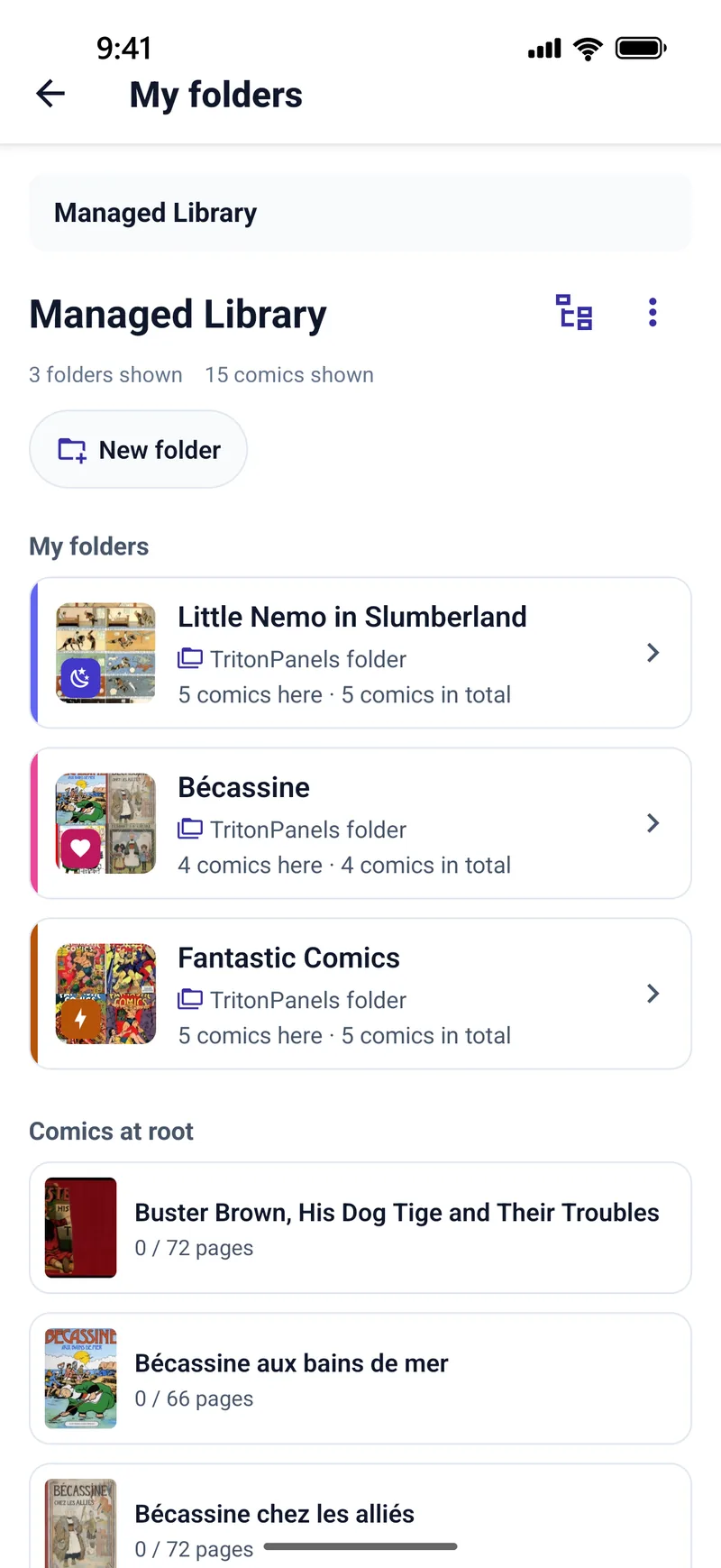
- Folders inside folders, each with its own colour, symbol and cover. New
- Search every library at once by title, series, author, publisher or tag. New
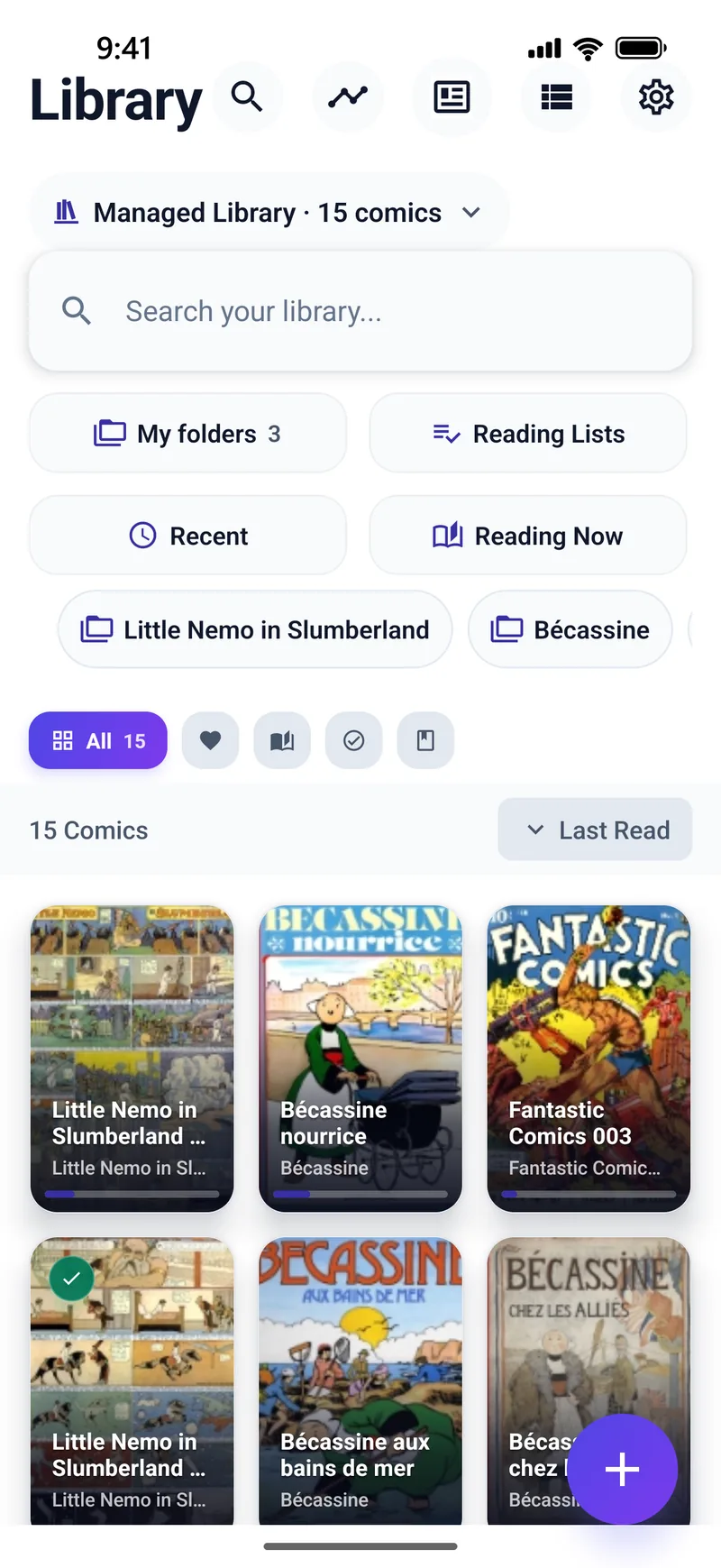
- Reading Now and Recently imported show where you are and what’s new, and favourite locations take you straight back to the places you use. New
- Several libraries, with comics moved or copied between them.
- Reading lists, tags and favourites, filters for unread, in-progress and completed, and sorting by last read, title, date added or series.
- Automatic metadata from
ComicInfo.xmland the filename, so series and issue numbers line up without manual work.
A reader you can tune page by page
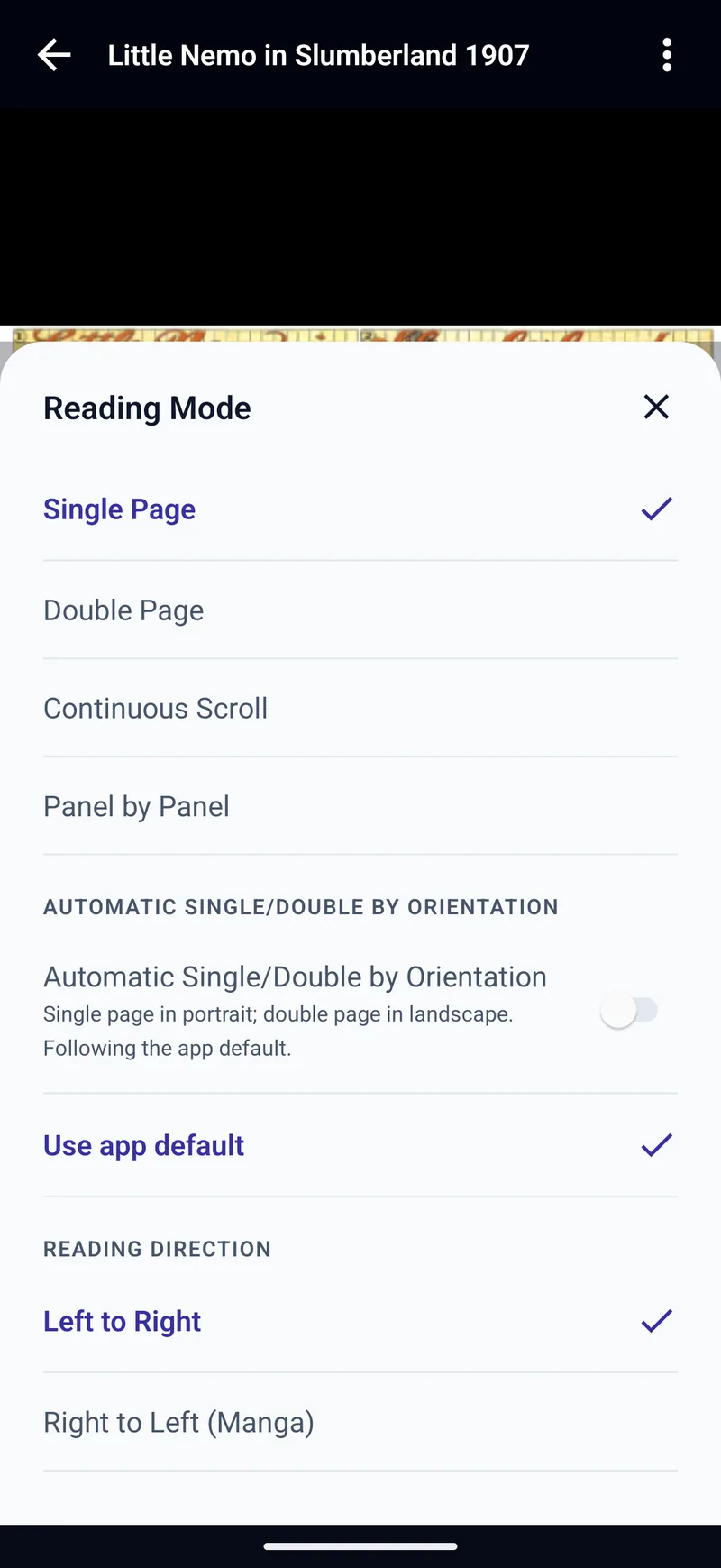
- Single Page, Double Page, Continuous Scroll and Panel by Panel, with an option to switch between single and double pages as you turn the device.
- Right to Left (Manga) for pages, spreads and panels. New Manga guide
- Six page-fit modes: Automatic, Fit Width, Fit Height, Fit Screen, Fill Screen and Original Size, plus Zoom Lock. New
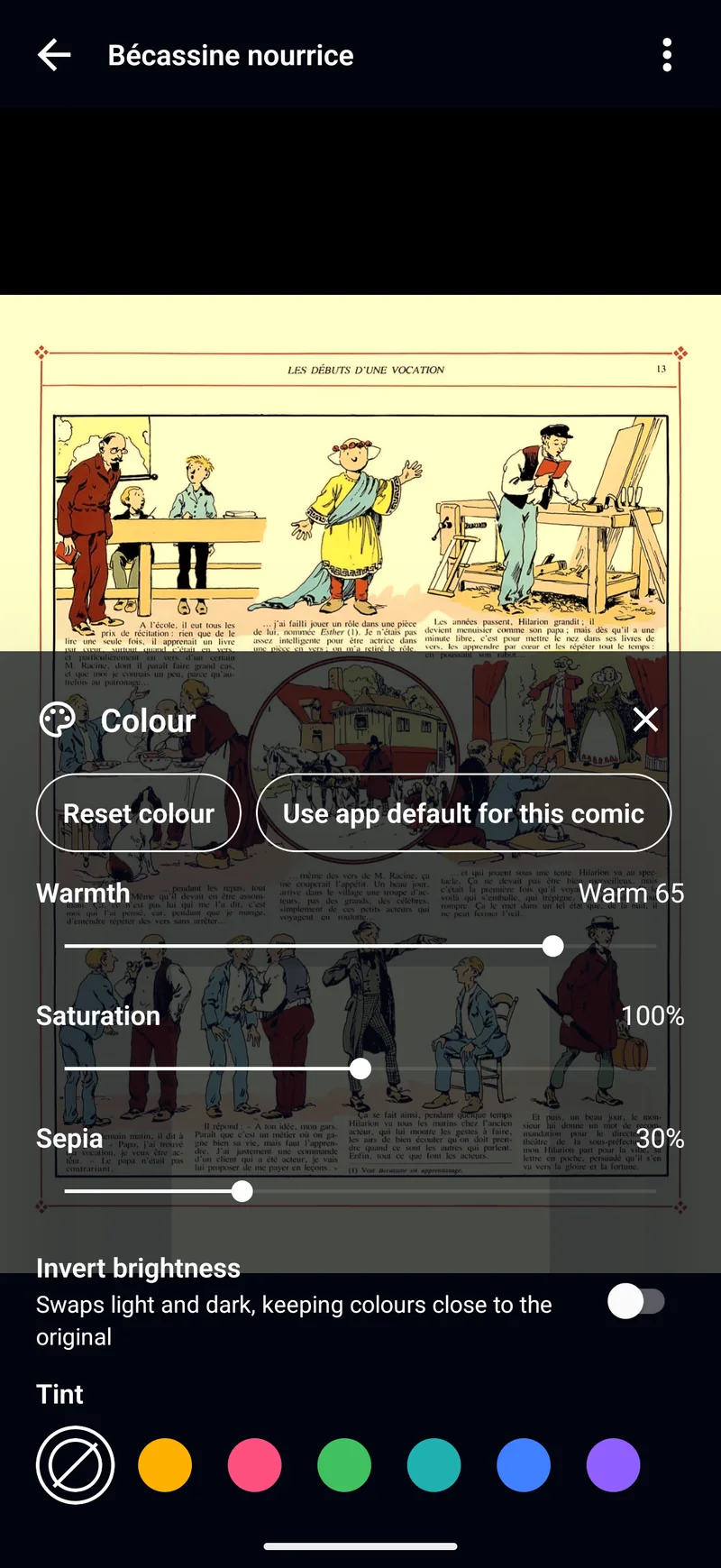
- Colour: warmth, saturation, sepia, invert brightness and tint, for one comic or as your default. New
- Image filters for rough scans: Reduce Noise, Sharpness, Remove Borders and Reduce Moire. Scan guide
- Backgrounds: black, matched to the page, or an immersive blur. New
- Reader presets (Standard, Two-page, Manga, Guided panels, or your own), custom tap zones, and page turns from a keyboard, game controller or remote. New
- Continue to next comic in a reading list, series or folder. New
- Brightness, Keep Screen On, a page scrubber, a thumbnail navigator, bookmarks with notes, and Share current page.
Panel by Panel
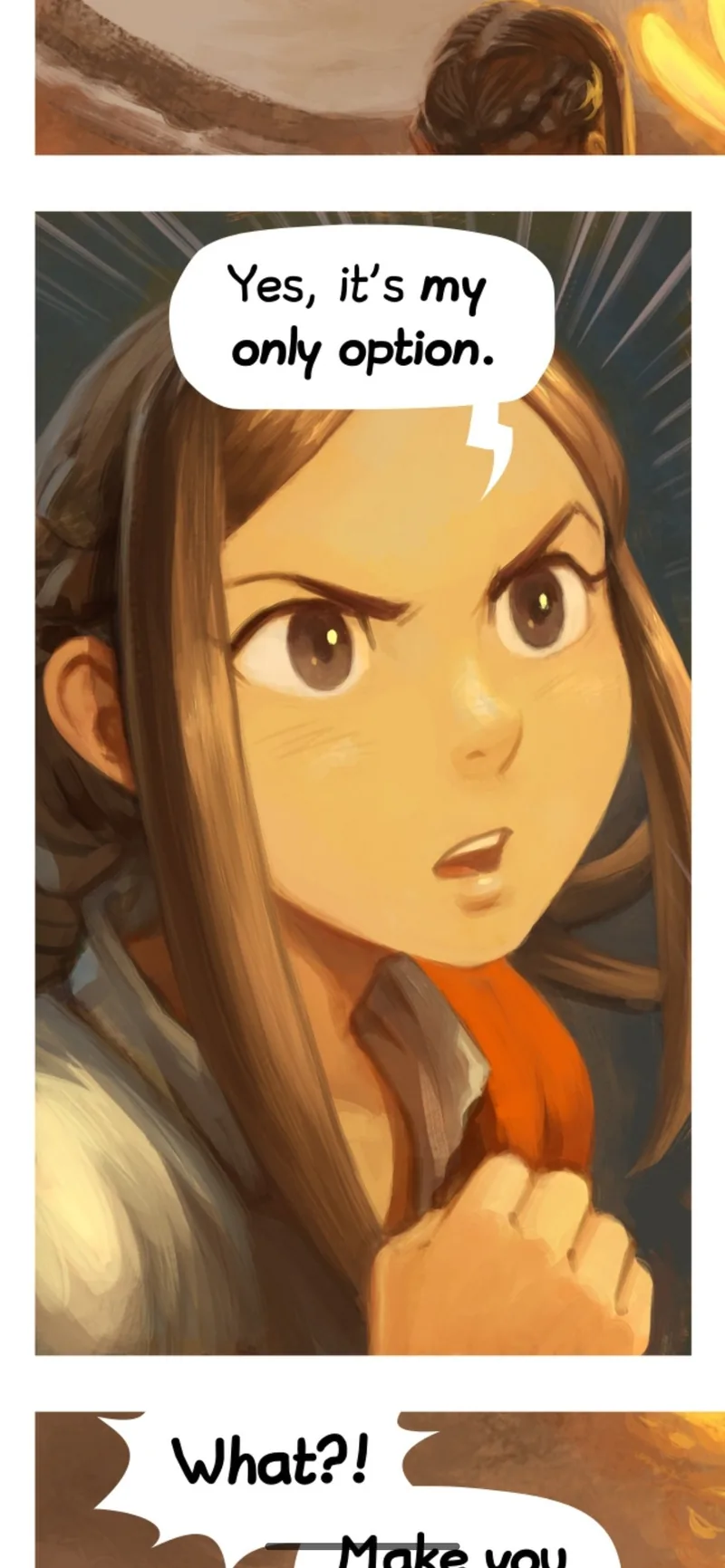
TritonPanels finds the panels on a page and takes you through them one at a time, each filling the screen. Detection runs on your device: classic computer vision handles most pages, and a small machine-learning model bundled with the app steps in for the pages it cannot split. Your pages are never uploaded.
- Left-to-right or right-to-left panel order.
- Hide Surrounding Panels, to spotlight the one you are reading.
- Splash pages and covers are shown whole.
- Works on archive comics and PDFs.
New in 2.0
Text on the page
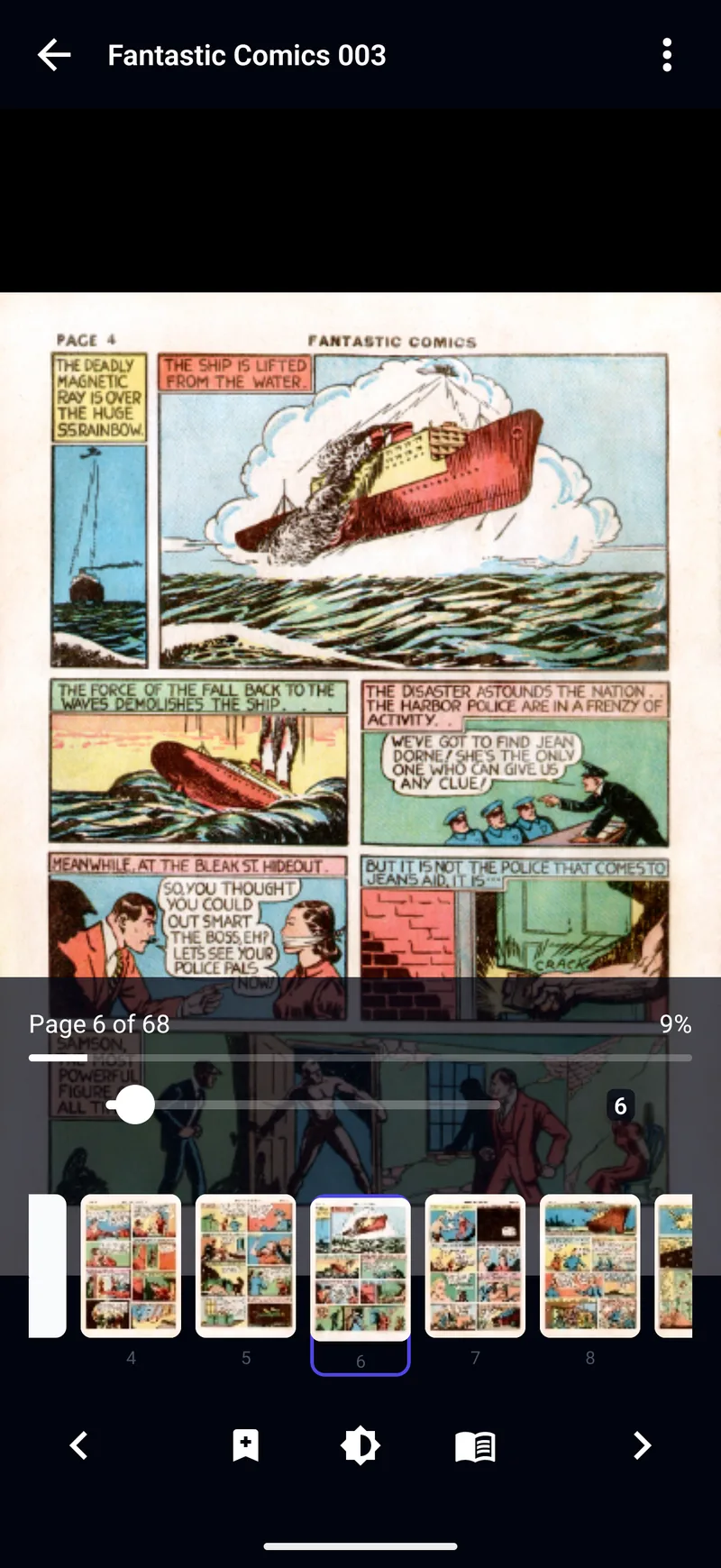
- Select text in a speech bubble to copy, share or translate it. Latin, Chinese, Japanese, Korean and Devanagari scripts are recognised.
- Translate pages (Experimental) shows a translation over the bubbles as you read. On iPhone and iPad it needs iOS 18 or later; on Android each language downloads once, with a Wi-Fi-only option.
- Lift subject cuts a figure out of the page.
- Recognition and translation run on your device; page images and text are not uploaded.
New in 2.0
Read without a trace
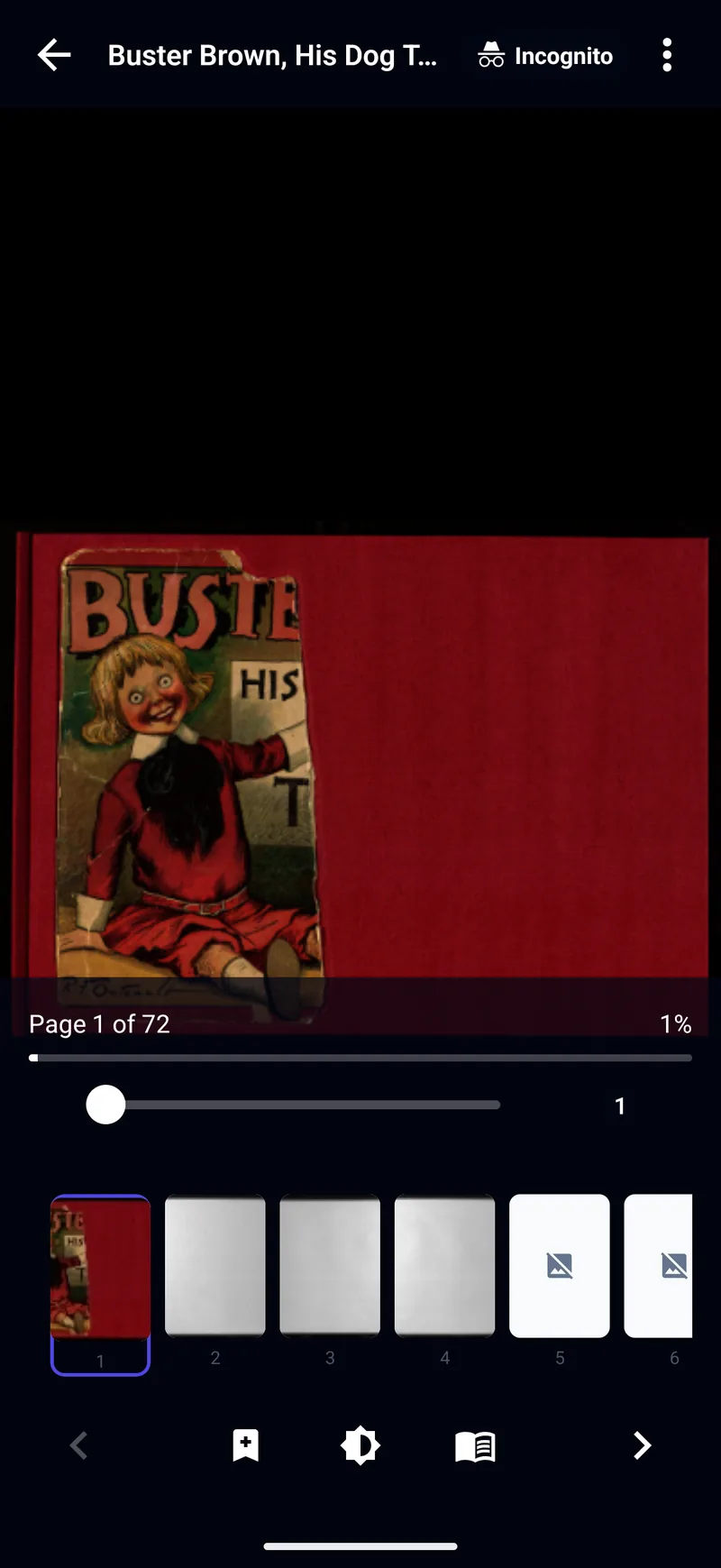
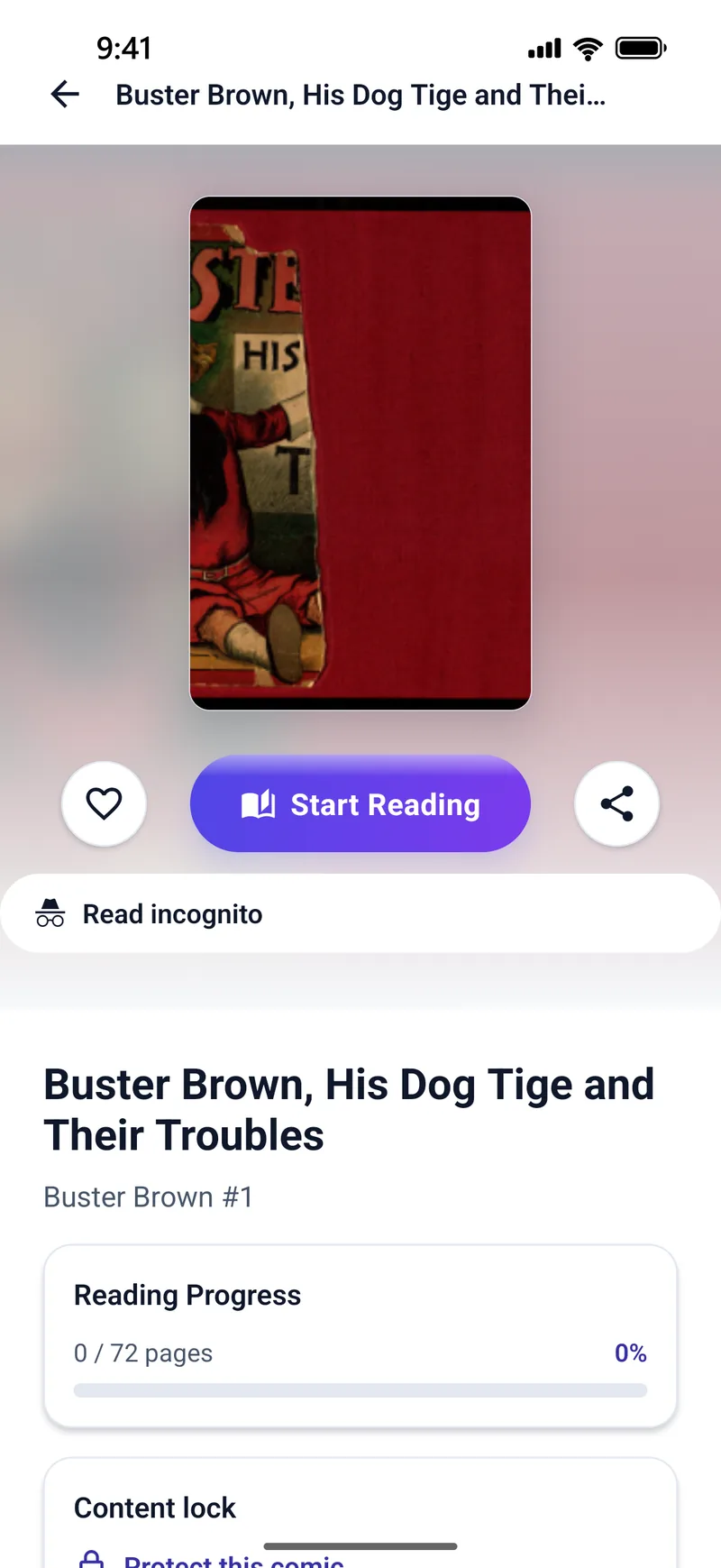
- Incognito reading, for every comic or just one, saves no progress or history on your device. A book opened from a Komga or Kavita server still reports progress to that server unless you choose Continue incognito in the reader.
- Content lock puts a passcode on the comics and folders you choose.
- Privacy screen hides what you are reading in the app switcher.
- No ads and no account. Your comics and reading progress stay on your device. We collect anonymous crash reports and your subscription state, not a profile of what you read.
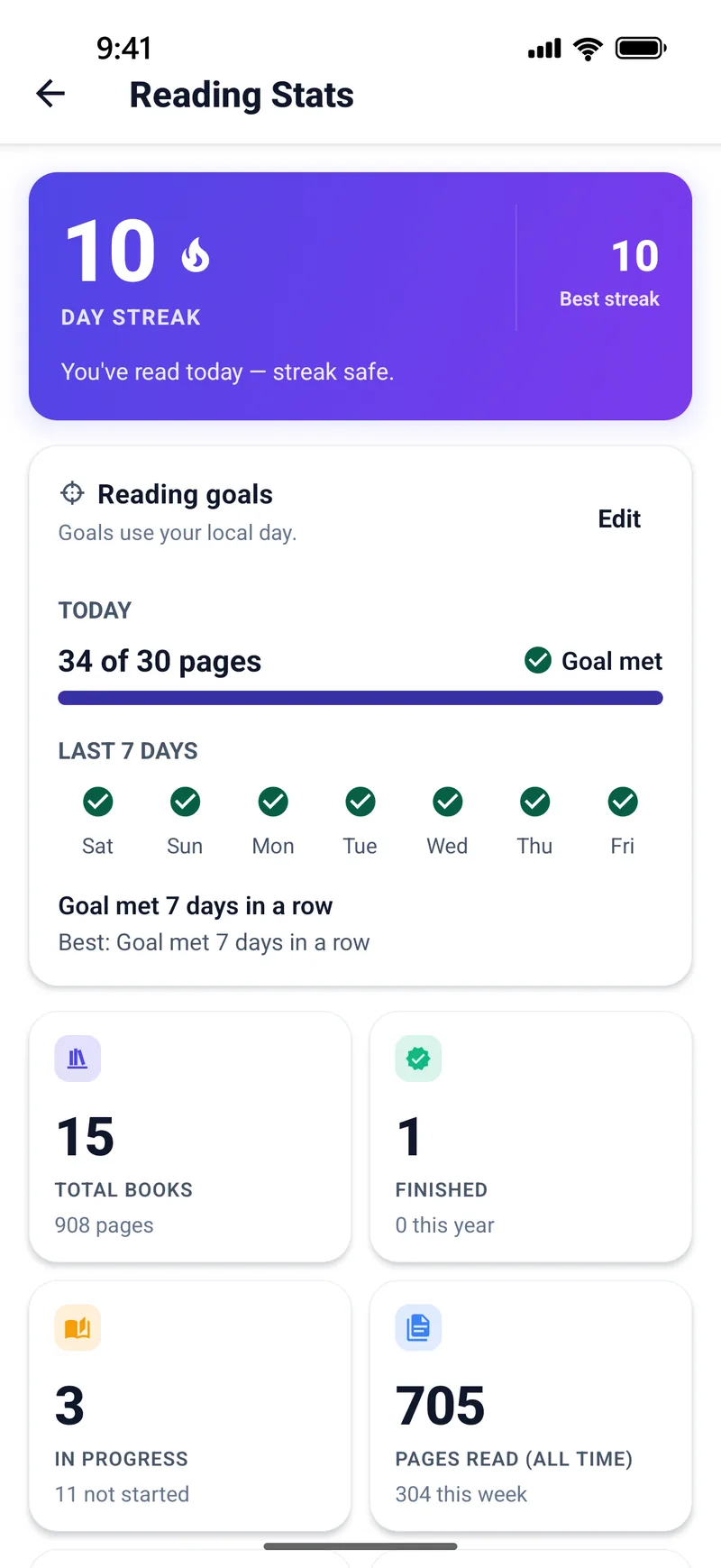
Set a goal, keep the streak
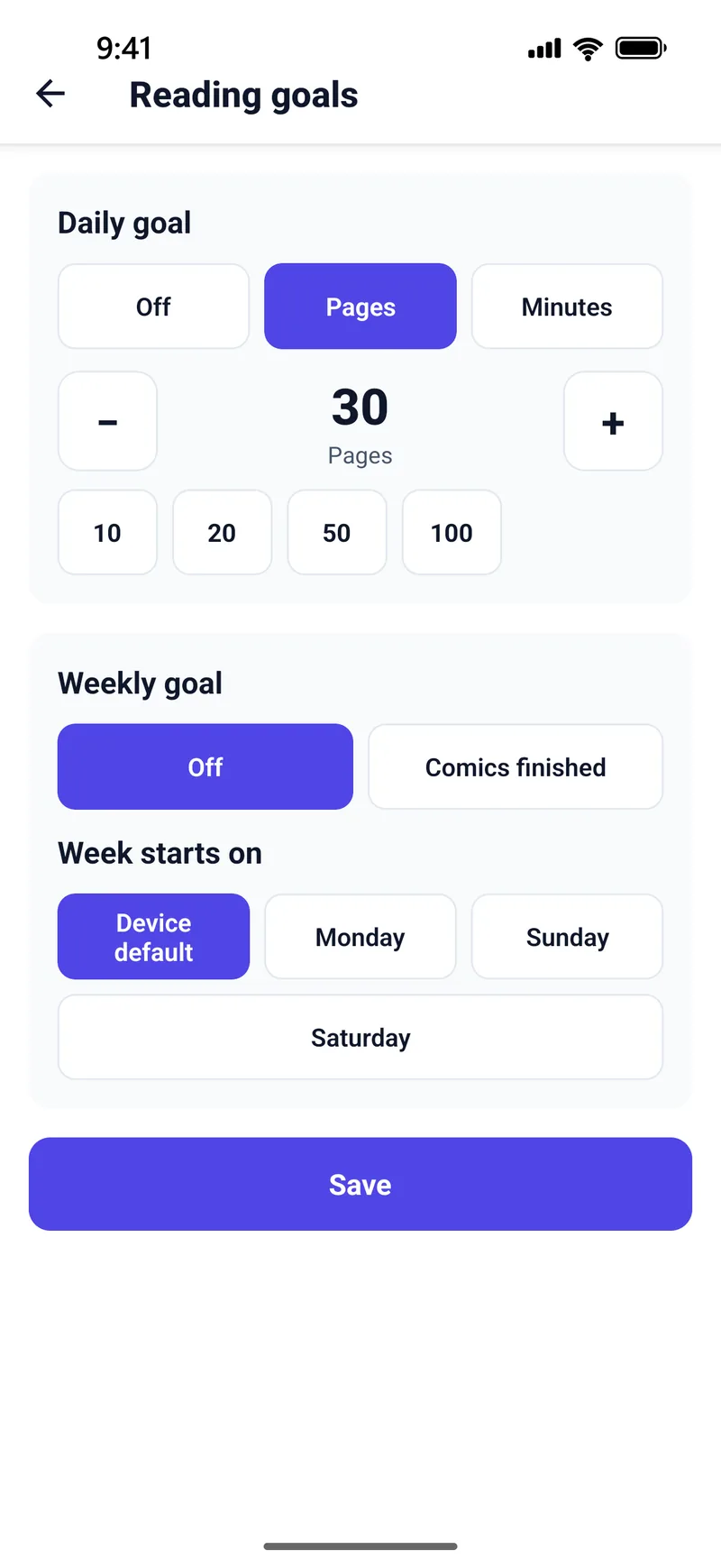
- Reading goals by pages, minutes or comics. New
- A history of every reading session. New
- Streaks, a reading calendar, pace and records, and your top series, creators and publishers.
Make it yours
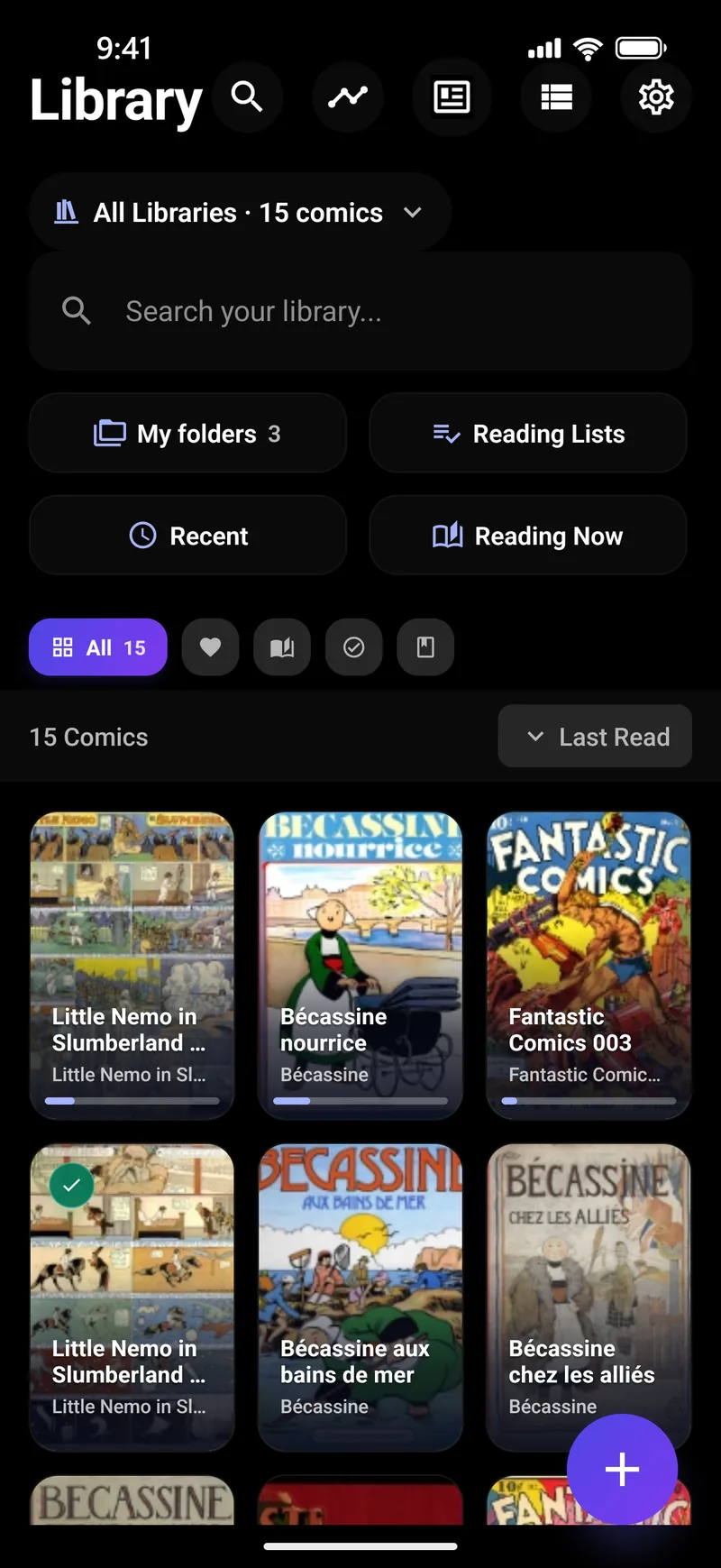
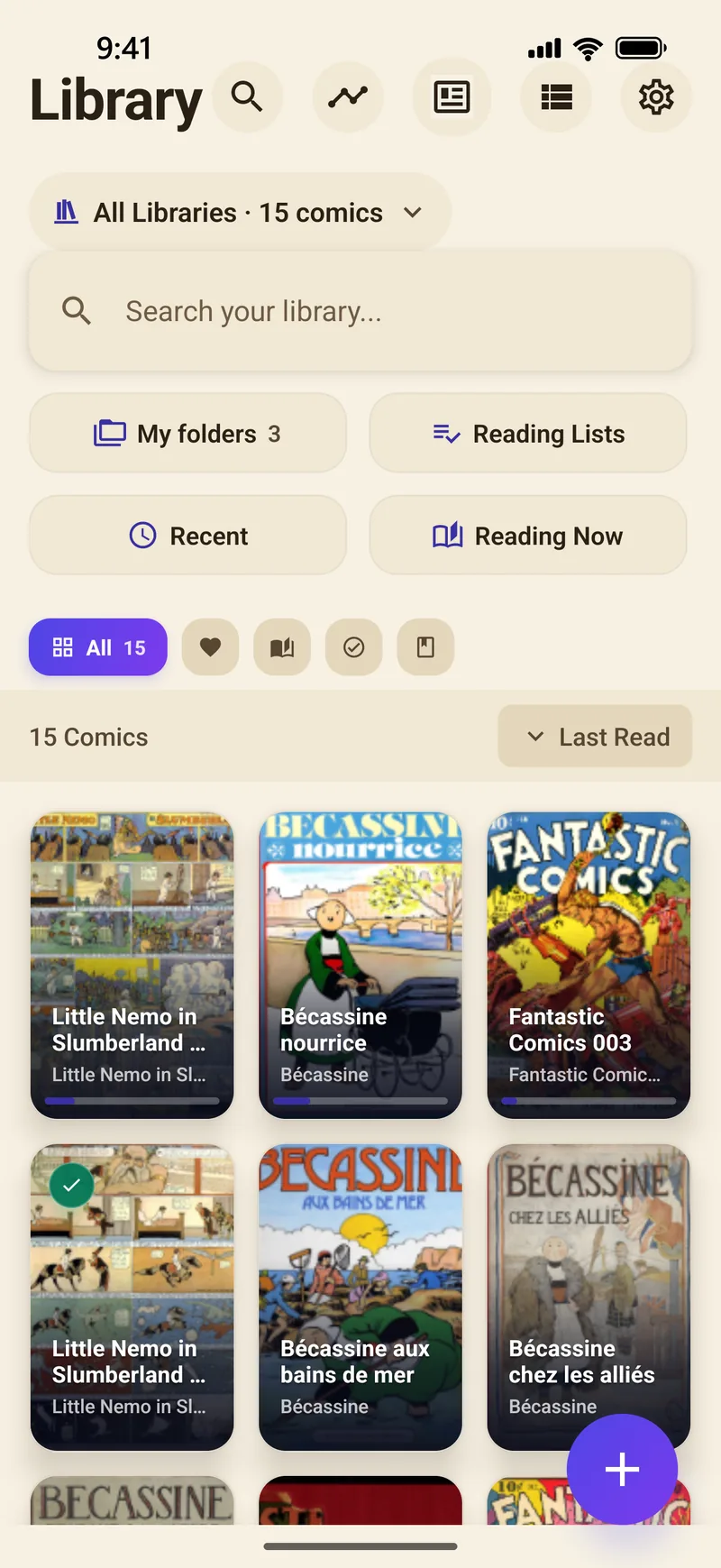
- Themes: Light, Paper, High-contrast light, Dark, Black (for OLED screens) and High-contrast dark, each with an Indigo, Cyan or Fuchsia accent, or Auto to follow your device. New
- 20 interface languages: Czech, Dutch, English, Filipino, French, German, Hindi, Indonesian, Italian, Japanese, Korean, Polish, Portuguese (Brazil), Russian, Simplified Chinese, Spanish, Thai, Traditional Chinese, Turkish and Vietnamese.
- Every orientation on phones and tablets, with spreads that follow the way you hold an iPad or Android tablet. Tablet guide
Formats
| Format | Supported |
|---|---|
| CBZ (ZIP) | Yes |
| CBR (RAR) | RAR4 yes; RAR5 no — convert to CBZ |
| CB7 (7-Zip) New | Yes |
| CBT and compressed TAR (.tgz, .tbz, .tbz2, .txz) New | Yes |
| Yes | |
| EPUB New | Image-based, DRM-free EPUB; text-only EPUB is not supported |
| Page images | JPEG, PNG, GIF, WebP, BMP, TIFF, AVIF New, HEIC New (Android 9 or later) and JPEG XL New (iPhone and iPad) |
Requires iOS or iPadOS 17 or later, or Android 7.0 or later. PDF and EPUB comics · ComicInfo.xml explained
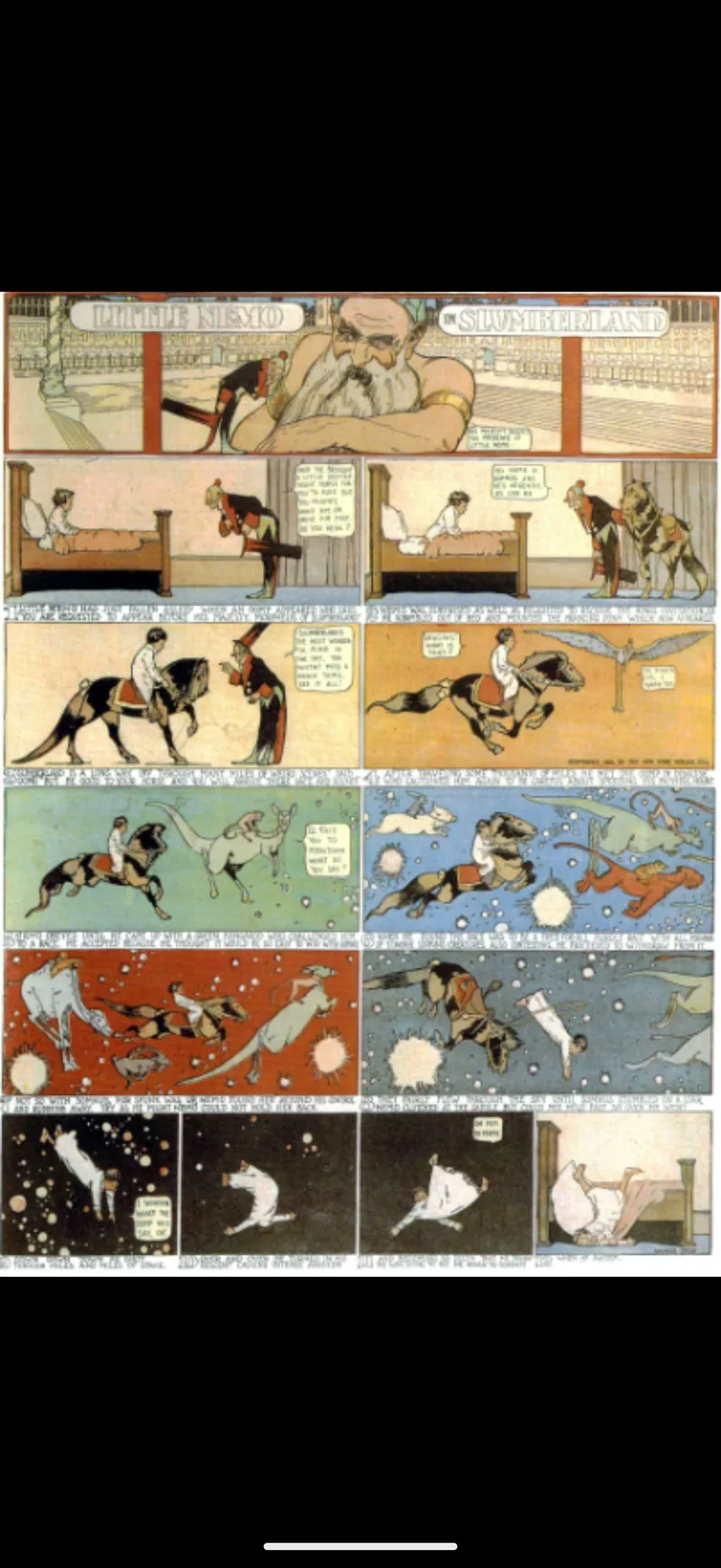
Screenshots show public-domain comics: Little Nemo in Slumberland, Bécassine, Buster Brown and Fantastic Comics.
Everything, on one subscription
14-day free trial · monthly or yearly · cancel any time · price shown by the store before you buy