 TritonPanels
Files you already have
This page is about manga you already have as files: a CBZ you made, a download from a creator who sells DRM-free, a book you exported yourself. It is not a guide to finding series online. Store apps that sell manga usually lock the file to their own reader, and TritonPanels cannot open that lock.
Formats that work are the same as for Western comics. CBZ and CBR are the common ones. A RAR5 CBR will not open; convert it to CBZ first. Loose images can be zipped into a CBZ with make a CBZ file.
Get them onto the phone
- Import from the device, or use Open in TritonPanels from another app. Imported comics stay on the device.
- Wi-Fi transfer from a computer on the same network. The steps are in transfer over Wi-Fi.
- A folder, USB drive or SD card as a live library, which still needs the drive attached when you read.
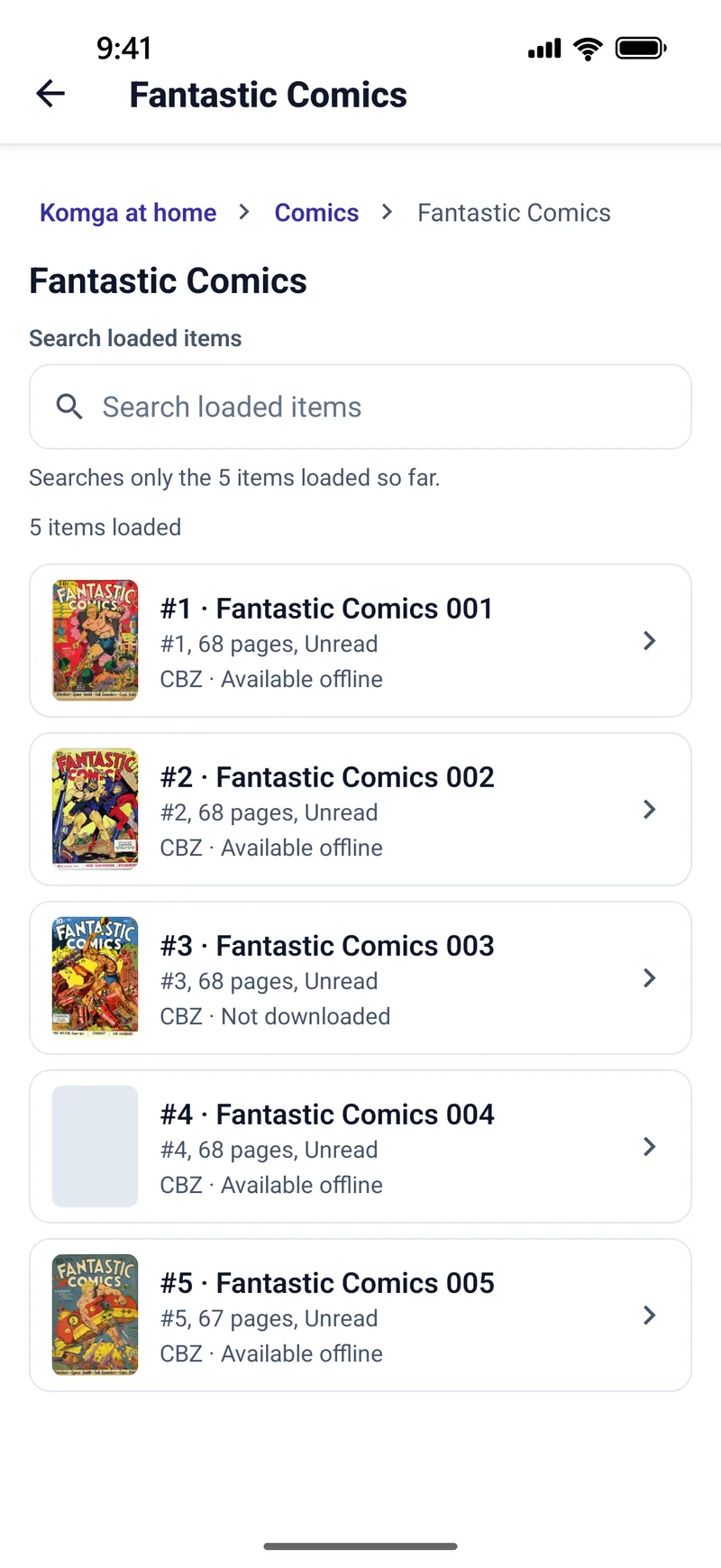
- Keep offline if the books live on Komga, Kavita, a cloud folder or a network share and you want a copy before you lose signal.
Read it right to left
Choose the Manga preset, or set Reading Direction to Right to Left (Manga). Swipes, spreads and Panel by Panel follow. The app does not switch direction because of the filename or ComicInfo.xml. The full setup is how to read manga on iPhone and Android.
What offline means here
An imported file needs no network. A server book needs Keep offline first, and those downloads are listed on one Downloads screen with a Wi-Fi-only option. There is no account to sign into before a local file will open. Progress for a local file stays on that device; it does not hop to your other phone unless the file is also on Komga or Kavita. Reading comics offline is the longer version.
Frequently asked questions
Can I read manga offline on an iPhone from a CBZ?
Yes. Import the CBZ, or send it over Wi-Fi, and open it. Set Right to Left (Manga). The file stays on the device.
Does TritonPanels include a manga catalogue?
No. It reads files and servers you already have. It does not sell or supply manga.
Will a manga I bought in another app open?
Usually not. Those files are copy-protected and open in that store’s app.
Does offline manga sync to my other phone?
Not by itself. Local progress stays on the device. Komga or Kavita is what shares progress.
Sources
Checked 15 October 2026. Claims about other apps come from the pages linked below. TritonPanels claims come from this site. A store price is the price that listing showed, and it can differ by country.
Read your comics with TritonPanels
A comic and manga reader for iPhone, iPad and Android. CBZ, CBR, CB7, CBT, PDF and image-based EPUB from your device, your cloud, a network share or your own Komga, Kavita or OPDS server — single page, spreads, continuous scroll or Panel by Panel. No ads, no account. 14-day free trial, then a monthly or yearly subscription.
Your own files: TritonPanels reads comics you already have. It does not sell, host or supply comics, and it cannot open copy-protected (DRM) purchases that are locked to another store’s app. Komga, Kavita, Calibre, Dropbox and the other names on this page belong to their owners, who do not endorse TritonPanels.