 TritonPanels
The rule
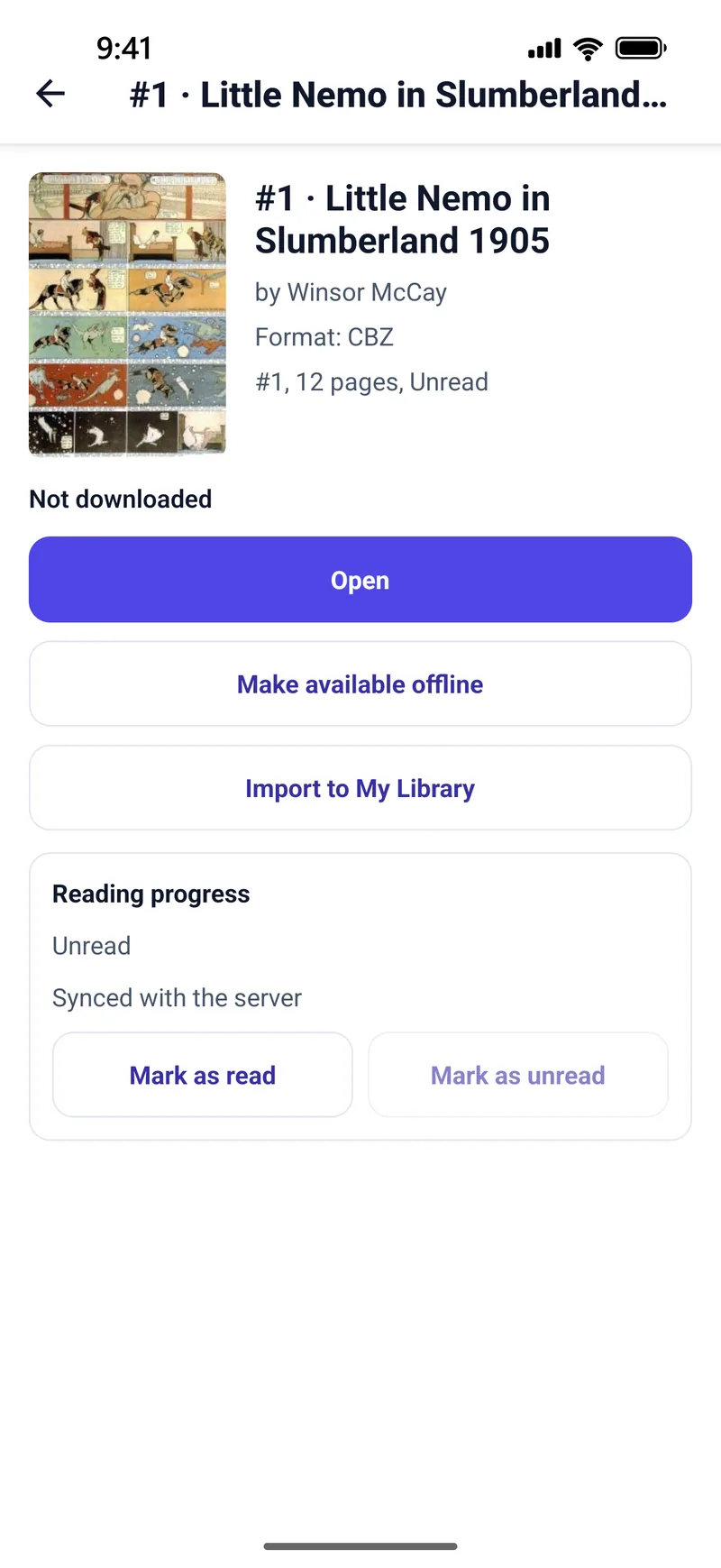
If you want the page number to follow you from an iPhone to an Android tablet, both devices have to read a Komga or Kavita server. TritonPanels writes progress to that server and reads it back. A book you imported onto one phone is not on the other phone, and neither is its progress.
What syncs, and what does not
| Source | Progress |
|---|---|
| Komga | Both ways, through the server. No TritonPanels account. |
| Kavita | Both ways, through the server, using an Auth Key. |
| Calibre and other OPDS | On the device only. The catalog is read-only. |
| Files imported on the phone, USB, SD, Wi-Fi transfer | On that device only. |
| SMB, Dropbox folder, iCloud Drive folder | The files can be read from more than one device. The place you stopped is not shared unless the comic is also on Komga or Kavita. |
Settings, themes and the on-device library do not roam. Incognito reading saves no progress at all, on purpose. Reading privately explains that switch.
How to set it up
Run Komga or Kavita somewhere both devices can reach, at home or over a VPN. Connect each phone from the Library’s add button. The Komga reader page and the Kavita reader page are the short versions; the Komga guide and the Kavita guide are the setup steps.
OPDS will not do this job. If Calibre is the only server you have, progress stays on each device. That is stated on the OPDS page so it is not a surprise later.
Offline
Keep offline stores a copy on the device so you can read without the server. When you are back on the network, Komga and Kavita progress can catch up because the server is still the record. A purely local file has no second copy of that record. Reading offline covers the download queue.
Frequently asked questions
Does TritonPanels sync progress between iPhone and Android?
Only through a Komga or Kavita server that both devices read. There is no TritonPanels account and no cloud sync of its own.
Will Calibre remember my page on another device?
Not through TritonPanels. OPDS catalogs are read-only, so progress stays on the device.
Do my imported CBZ files sync?
No. An imported file and its progress stay on that device unless you also keep the comic on Komga or Kavita.
Does incognito reading sync?
Incognito saves no progress or history on the device, so there is nothing to sync.
Sources
Checked 15 October 2026. Claims about other apps come from the pages linked below. TritonPanels claims come from this site. A store price is the price that listing showed, and it can differ by country.
Read your comics with TritonPanels
A comic and manga reader for iPhone, iPad and Android. CBZ, CBR, CB7, CBT, PDF and image-based EPUB from your device, your cloud, a network share or your own Komga, Kavita or OPDS server — single page, spreads, continuous scroll or Panel by Panel. No ads, no account. 14-day free trial, then a monthly or yearly subscription.
Your own files: TritonPanels reads comics you already have. It does not sell, host or supply comics, and it cannot open copy-protected (DRM) purchases that are locked to another store’s app. Komga, Kavita, Calibre, Dropbox and the other names on this page belong to their owners, who do not endorse TritonPanels.